
-
12 min read
The Finance Team's Guide to No-Code Workflow Automation
Wondering how to automate finance workflows without IT? Learn how no-code automation helps finance teams streamline invoices, approvals, and reconciliation fast.
Last updated:
TL;DR
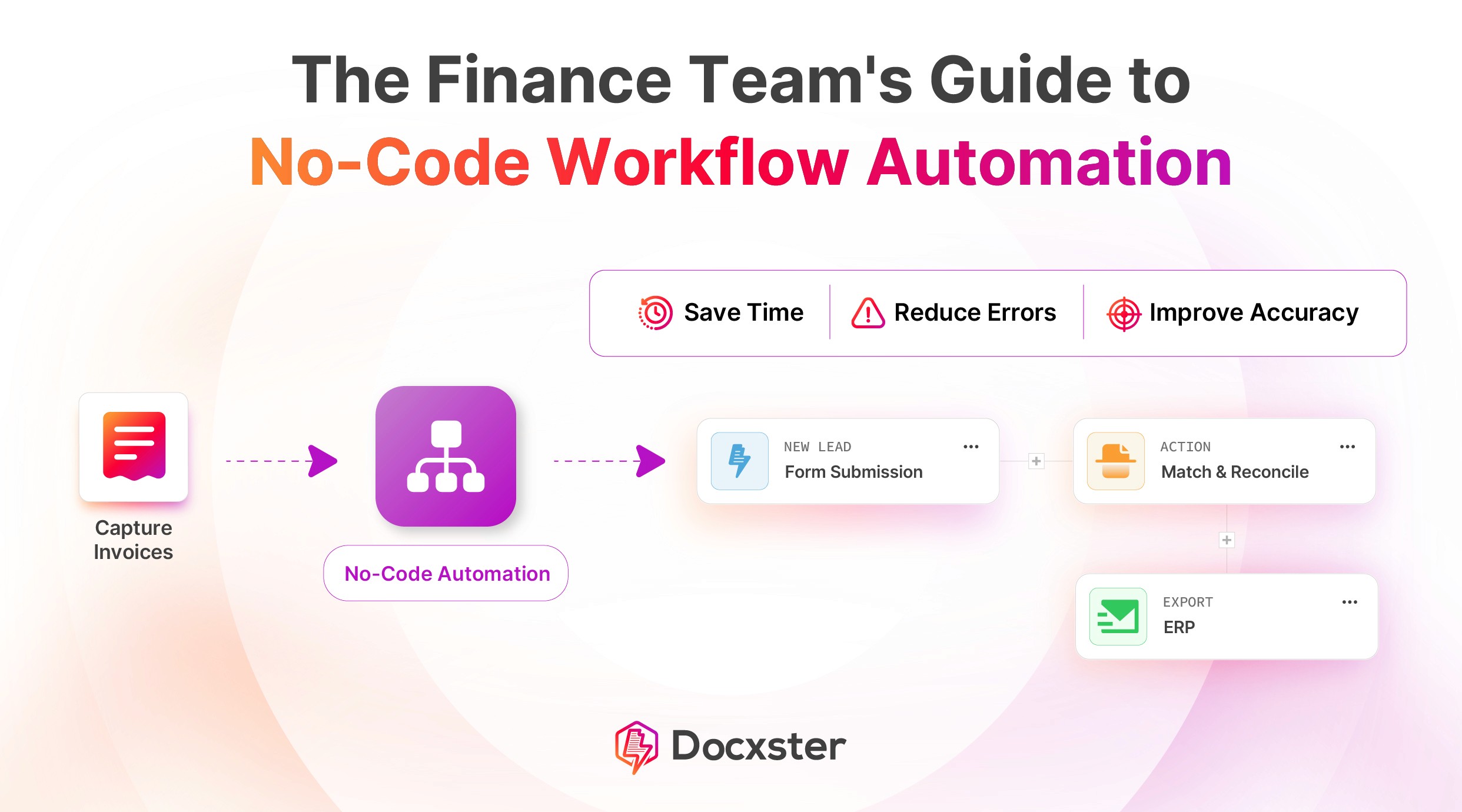
No-code financial workflow automation helps finance teams automate document-heavy processes without waiting on IT or custom ERP development.
The biggest opportunity is in workflows like invoice capture, three-way PO matching, expense approvals, vendor onboarding, month-end reconciliation, and contract compliance checks.
Traditional automation often breaks when vendor documents change format, but AI-powered no-code tools can extract data from PDFs, scans, handwritten files, and other inconsistent inputs.
Finance teams can use no-code automation to apply validation rules, route exceptions, manage approvals, and export clean data into systems like SAP, Zoho, QuickBooks, or ERP platforms.
The best starting point is one high-friction workflow, such as invoice processing, where manual data entry, approvals, and reconciliation consume the most time.
A study of 450 finance leaders found that 54.2% are stuck in partially automated workflows. With 9.8% using no automation at all.
If you can relate, the problem isn’t you or your team. It’s likely your technology.
Most automation tools were built for data that already lives in apps, not for the documents that finance workflows actually run on. And until that changes, your team will keep absorbing the manual work that automation was supposed to eliminate.
This guide shows you what no-code financial workflow automation actually looks like, which workflows to start with, and how to get one running without waiting on IT.
Why should finance teams adopt no-code automation platforms?
52% of AP teams spend over 10 hours a week processing invoices, and 60% still manually key invoice data into their accounting software. That’s a workflow problem, and it compounds every time your team touches a document manually.
No-code automation gives your team direct control over fixing it, without waiting on IT or sitting through a six-month rollout. Here’s why more finance leaders are making the move now:
1. Finance teams can automate without developer involvement
Most automation projects stall before they start because they land in an IT queue.
Gartner's survey of 185 CFOs found that building technology delivery capacity in finance requires partnering with external consultants and internal IT teams. And as the number and scope of projects grow, it becomes increasingly difficult to find capacity to adequately address them.
No-code platforms remove this document digitization bottleneck entirely.
With no-code automation, your AP manager can build a validation rule for invoice mismatches. Similarly, your controller can configure an approval chain for expense reports above a set threshold.
The control of automation lies with the people who already understand the workflow, not with a developer who needs a three-week handover to understand it.
2. Faster implementation than traditional RPA or ERP customization
You have probably seen this before. A finance automation project gets greenlit, IT gets looped in, and you’re suddenly six months deep into scoping calls without a single workflow live yet.
That’s the reality with RPA and ERP customization. Both require developer involvement and long testing cycles before anything actually works. And when a vendor changes their invoice format, you have to file yet another change request and start the wait all over again.
No-code works on a completely different timeline. Here’s what that looks like in practice:
You build the workflow yourself in a visual builder, without writing a single line of code
You test it against real documents before deploying it
When something changes, you update the workflow yourself instead of waiting on a developer
What used to take months takes days.
3. Automation that adapts to changing vendor formats
Think about how many vendors your team processes invoices from. Now, think about how many of them send documents in the exact same format.
The answer is probably none.
Every vendor has their own layout. Some send PDFs, others scan handwritten documents, and some change their format without warning. If your system relies on templates, each one of those changes breaks your workflow right at the data ingestion stage.
Modern AI-powered no-code tools don’t pattern-match against a fixed template. They understand what a vendor name is, what a line item looks like, what a tax code means—regardless of where those fields appear on the page. Your workflow keeps running even when your vendors don’t send consistent documents.
6 financial workflows you can automate with no-code tools
We’ve picked six high-priority yet simple workflows for you to start automating today. Read on to see how these workflows can be automated with Docxster’s no-code automation:
1. Invoice capture to ERP entry
When it comes to workflow management, this is your bread-and-butter workflow— but it can be messy. An invoice arrives, and someone on your team spends a big stretch of their day keying in vendor details, line items, and amounts before cross-checking everything against your PO data over email.
Multiply that across every vendor, every day, and you might be looking at 5 to 6 hours of manual data entry per person.
Here’s what this workflow looks like when you automate it instead:
Docxster picks up the invoice the moment it arrives—PDF, scanned copy, or handwritten—and extracts vendor details, line items, tax codes, and amounts, allwithout needing a pre-built template
Validation rules run automatically, checking for duplicates and flagging any mismatches against your PO data
If something needs a human decision, it’s routed to a reviewer
If everything clears, clean data exports directly to SAP, Zoho, or QuickBooks
2. Three-way PO matching
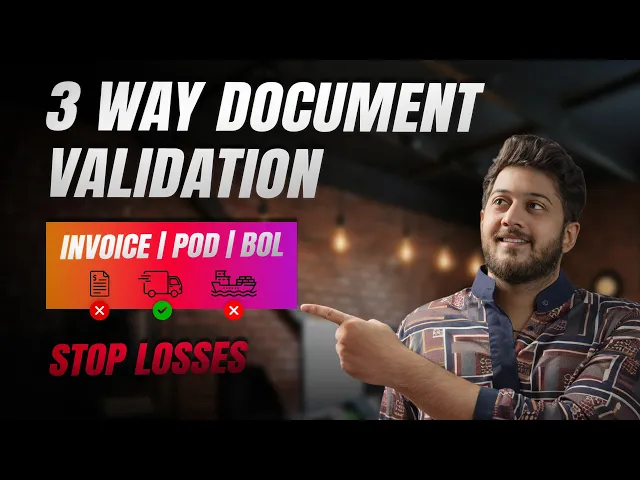
If you work in logistics, you know how much time your team loses cross-referencing purchase orders (POs), bills of lading (BOLs), and invoices across different systems.
A quantity discrepancy between a PO and a BOL can sit undetected for days because your automated document processing tool doesn’t give you a single view across all three documents.
With Docxster, all three document types feed into one workflow. Here’s what happens automatically:
3. Routing expense reports for approval
Expense report approval is another pain point for many finance teams. In most cases, an employee submits a receipt, someone chases the manager for approval, and the finance team spends time reconciling formats that nobody standardized in the first place.
Here’s what the automated version looks like with Docxster:
Employees submit expenses through a Docxster Form, which captures the employee’s name, department, expense category, and date
Optical character recognition (OCR) extracts amounts from attached receipts regardless of format, whether that’s a photo of a restaurant bill, a cab receipt, or a hotel folio
Validation rules check every submission against your expense policies, flagging anything that exceeds per diem limits or falls outside approved categories
The workflow routes approvals based on amount thresholds automatically, so anything under ₹50K goes to the manager, and anything above goes straight to the finance head
Your team stops chasing approvals over email and starts reviewing exceptions that actually need their attention.
4. Vendor or customer onboarding
Every new vendor or customer means another round of follow-up emails and missing documents. The process drags longer than it should, and without a structured no-code workflow automation in place, it stays that way.
Here’s what this looks like when you automate it:
Vendors or customers submit all documents through a single Docxster Form
The system extracts key details like GST, PAN, and bank information automatically
Validation checks ensure the data is complete and correctly formatted before moving ahead
You can track the onboarding status at every step instead of chasing updates
So instead of juggling scattered threads and endless variations, you run onboarding through a single structured flow that stays clean from day one.
5. Month-end reconciliation processes
Another workflow worth automating is month-end reconciliation, especially if it’s the reason your team works late every close cycle. In most cases, the delay doesn’t come from the reconciliation logic itself. It comes from challenges in document processing, such as different vendor formats.
Here’s what the reconciliation process looks like when you automate it:
Docxster pulls in bank statements, ERP exports, and invoice data in any format
OCR reads PDFs, scanned statements, and raw exports without needing cleanup
Field mapping standardizes everything into one consistent structure
Validation rules flag mismatches automatically instead of you hunting for them
So instead of cross-checking numbers late into the day, your team reviews a pre-reconciled exception report and focuses only on what needs attention.
6. Automating contract data extraction and compliance checks
Micro, small, and medium-sized enterprise (MSME) timelines and payment terms are easy to lose track of when they’re managed across spreadsheets and incoming invoices.
Automation creates a system to help you stay on top of things without constant checking:
Invoice data gets captured and classified as it comes in
Payment terms and vendor type are identified automatically
MSME invoices nearing due dates are flagged early
Approvers get reminders before deadlines slip
You can also ask Docxster’s chat questions like which MSME invoices are due this week, and get instant answers across all documents.
This way, compliance stops being something you chase and becomes something your workflow handles in the background.
💡 Also Read: How to Choose a Document Processing Software
How Docxster enables document-first financial automation
Docxster is built for finance teams that are done waiting on IT to fix broken workflows. It takes any document your team receives and turns it into structured, usable data without templates or manual cleanup.
Here’s how that comes together:
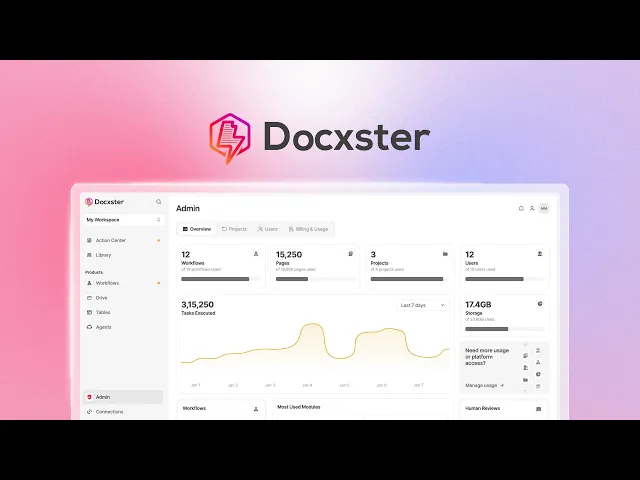
1. No-code workflows that actually match how your team works
At Docxster, we want your team to own your finance automation, which is why we built a workflow builder that lets you design multi-step flows with approvals and routing using a drag-and-drop interface.
You can also:
Add conditions and decision logic based on your business rules
Run parallel steps so multiple approvals happen simultaneously
Track workflow status in real time across every document
That means your finance team can build everything from invoice approvals to compliance checks that reflect how your team already operates, without adding complexity as you scale.
2. Templateless extraction that works across document chaos
The biggest blocker in automation is not extraction itself. It’s the constant need to configure templates for new formats.
Docxster removes that dependency. It processes structured, semi-structured, and unstructured documents, identifies fields automatically, and maps them into a consistent structure. It also discovers new fields during validation and adapts as formats change.
So when you deal with hundreds of vendor formats, the system absorbs that variability instead of pushing it back onto your team.
3. High-accuracy OCR that reduces correction loops
In Docxster, OCR is built to handle both digital and handwritten documents with up to 99% accuracy, and it improves over time by learning from corrections.
Not only that, but it also:
Maintains consistency across different document types and formats
Identifies and maps fields without relying on fixed templates
Reduces the need for repeated validation cycles
Adapts as new document variations come in
For your finance team, this means less time spent correcting data and more confidence in what moves forward in the workflow.
4. Integrations that make extracted data immediately usable
Data only becomes useful when it flows into the systems your team already relies on.
Docxster connects to your ERP and CRM systems and supports exports to platforms like QuickBooks and Zoho. This allows extracted and validated data to move directly into the operational systems you use for accounting, reporting, or compliance.
The key shift here is that documents stop serving as endpoints. Instead, they become inputs that continuously feed your systems.
5. Docxster Drive as the control layer for documents
Storage is usually treated as an afterthought, but it directly affects how auditable and reliable your workflows are.
Docxster Drive centralizes all your documents with automatic categorization, version control, and audit trails built in. Access controls ensure the right people see the right documents, and every interaction is logged so nothing gets lost or disputed downstream.
For finance teams, that means your documents and workflows stay connected in one place instead of being scattered across tools when you need them most.
💡 Also Read: What is AI Document Processing and How Does it Work?
Automate the financial workflows that carry the most risk
If you’re like most finance teams, you’re either stuck in manual processes or recovering from an automation project that didn’t deliver what it promised.
When you’re sitting in that in-between place, the answer is simpler than it feels. Start with one workflow.
Take invoice processing, configure it in Docxster, and have it running before the end of the week. Once you see how much time your team gets back from just that one workflow, the next one becomes an easier decision.
Pick the workflow that costs your team the most time right now, and start there.
Automate your financial workflows with Docxster
FAQs: No-Code Financial Workflow Automation
What is no-code financial workflow automation?
No-code financial workflow automation lets finance teams build and manage workflows through a visual interface instead of writing code. It is commonly used to automate invoice processing, approvals, reconciliation, vendor onboarding, and compliance checks.
How can finance teams automate workflows without coding?
Finance teams can automate workflows by choosing a no-code platform, defining the steps in a visual builder, and setting rules for extraction, validation, approvals, and exports. For document-heavy work, the platform should start from the finance document itself, such as an invoice, receipt, PO, GRN, contract, or bank statement.
What finance workflows can be automated with no-code tools?
Common workflows include invoice capture to ERP entry, three-way PO matching, expense report routing, vendor or customer onboarding, month-end reconciliation, and contract data extraction. These are strong use cases because they involve repeatable steps, high document volume, and clear approval or validation rules.
Can no-code automation help with invoice processing?
Yes. No-code invoice processing can capture invoice data, check for duplicates, validate details against purchase orders, route exceptions to reviewers, and push clean data into accounting or ERP systems. This reduces manual keying and helps AP teams process invoices faster.
How does no-code automation support three-way matching?
No-code automation can compare purchase orders, goods received notes, and invoices inside one workflow. If quantities, amounts, or vendor details match within defined rules, the workflow can move forward; if not, it flags the discrepancy for AP review.
Why do traditional finance automation tools struggle with vendor documents?
Many traditional tools rely on templates or structured inputs, but finance teams receive documents in many layouts and formats. When a vendor changes an invoice design or sends a scanned document, template-based automation can fail and push the work back to the team.
Is no-code automation secure enough for finance workflows?
A finance automation platform should include access controls, audit trails, approval history, and secure data handling. These controls matter because finance workflows involve sensitive vendor, payment, tax, and compliance information.
How does no-code automation help with month-end reconciliation?
No-code automation can pull in bank statements, ERP exports, invoice data, and other finance documents, then standardize the fields for comparison. Instead of manually hunting for mismatches, finance teams can review a pre-checked exception report and focus only on the items that need attention.
What should finance teams look for in a no-code automation platform?
Finance teams should look for document extraction, validation rules, approval routing, exception handling, audit trails, and integrations with accounting, ERP, CRM, or spreadsheet systems. The platform should also handle changing vendor formats without requiring constant template maintenance.
Where should finance teams start with no-code automation?
Start with the workflow that creates the most manual effort or risk, such as invoice capture, approval routing, or three-way PO matching. A focused first workflow is easier to configure, easier to measure, and more likely to prove value quickly before expanding automation across finance.
Turn documents into decisions.
See how Docxster gets you from inbox to insight in minutes, not days. Bring your toughest workflow — we'll show you what it looks like solved.


