Drive and Document Intelligence
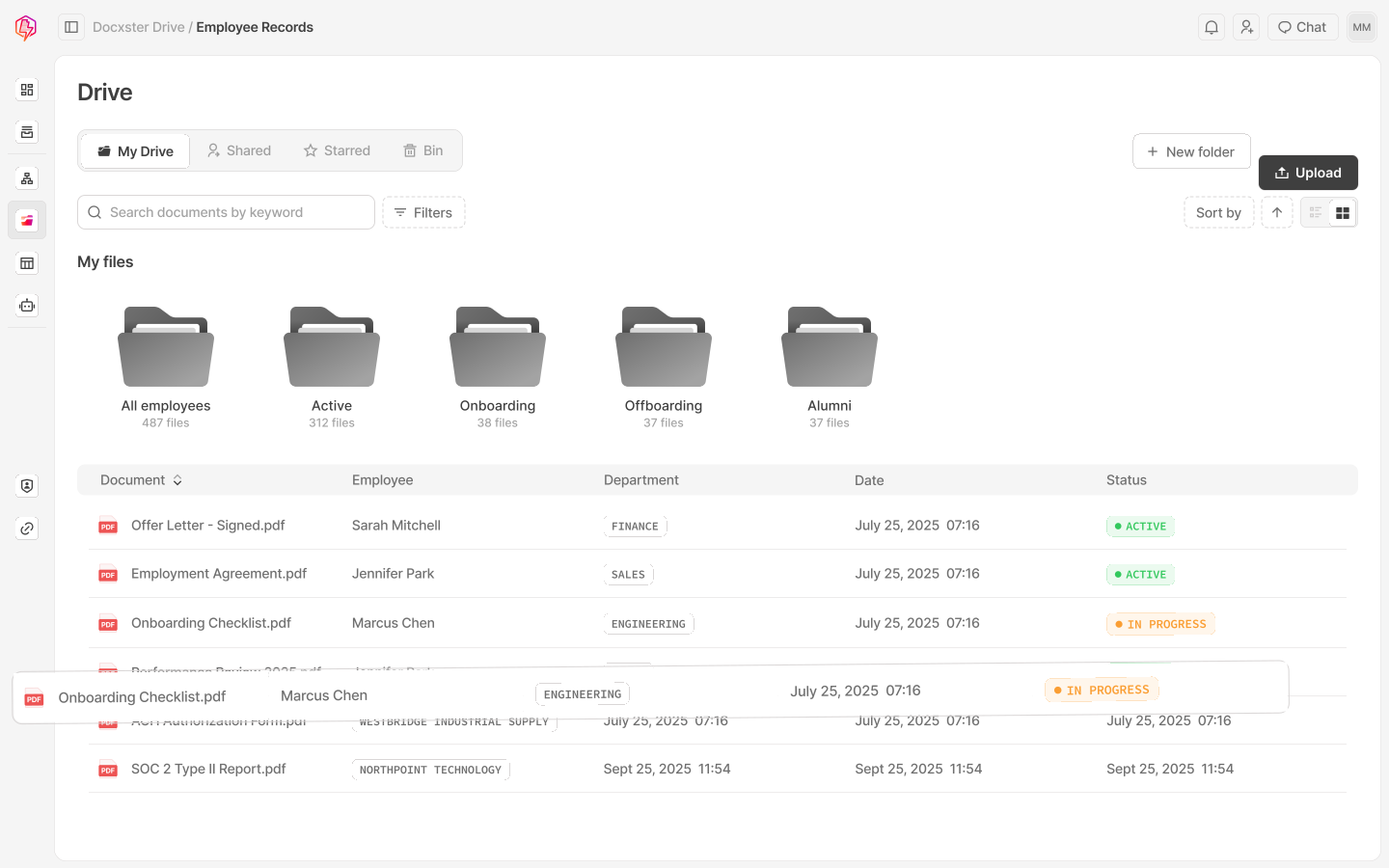


Built around how you work.
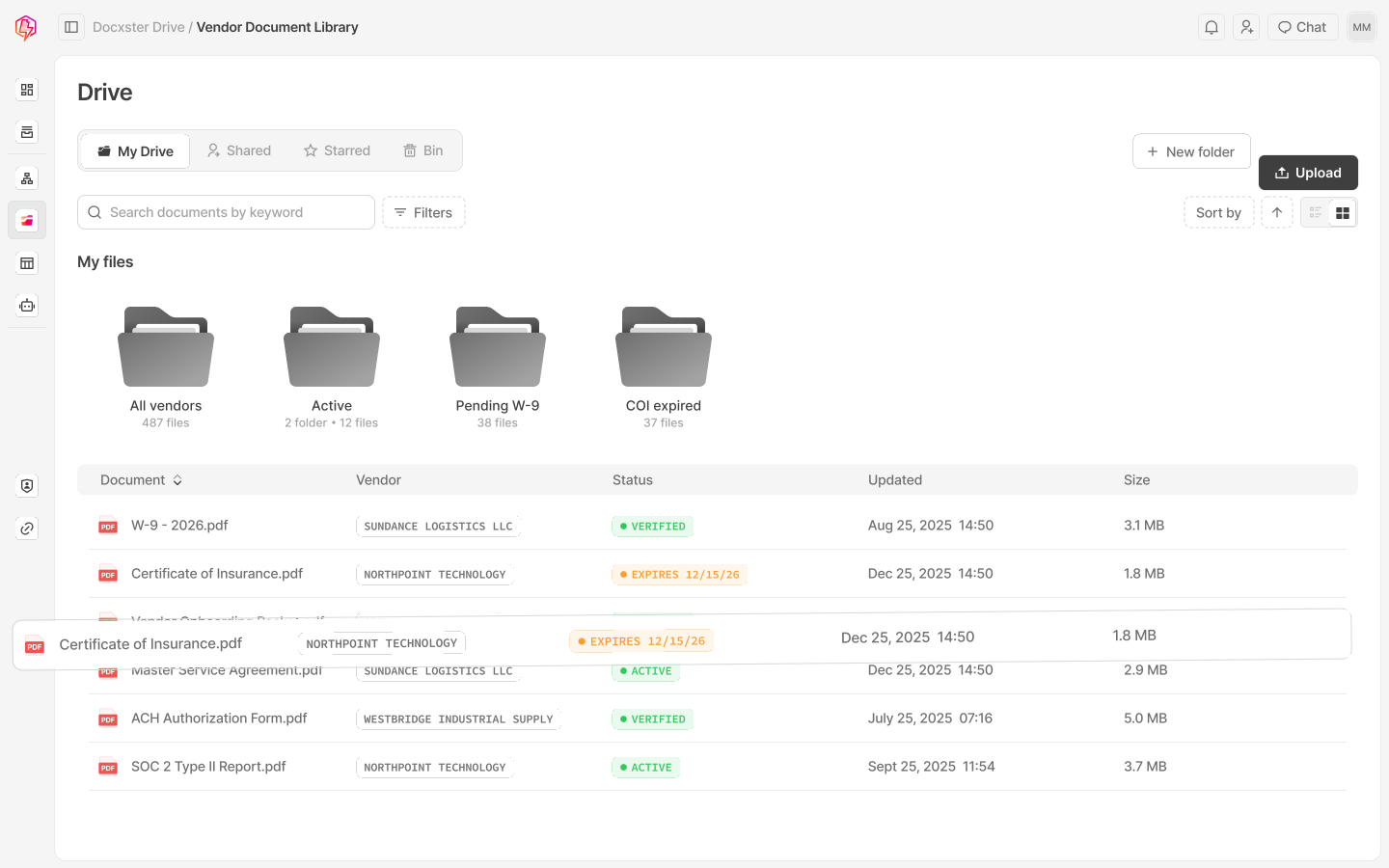
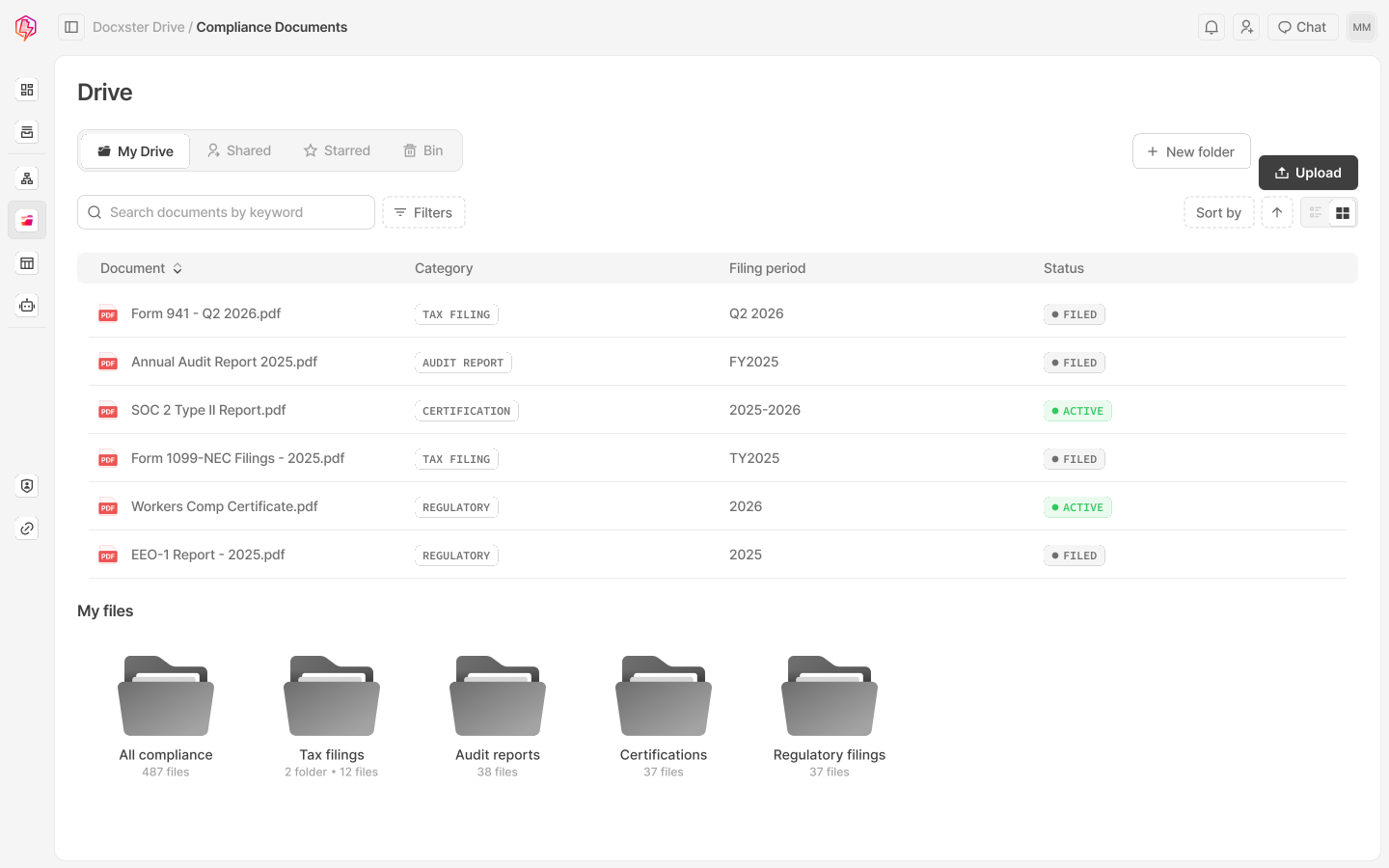
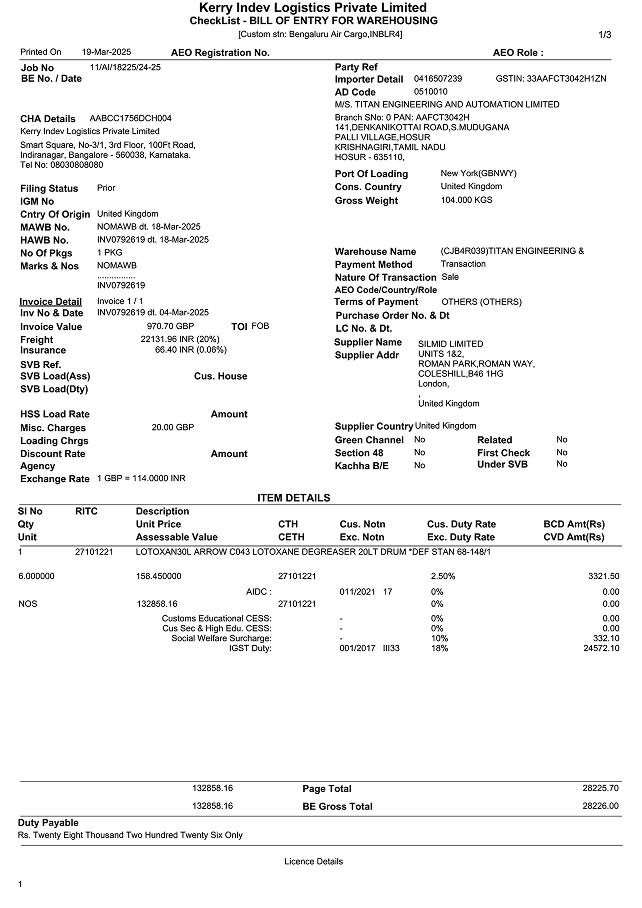
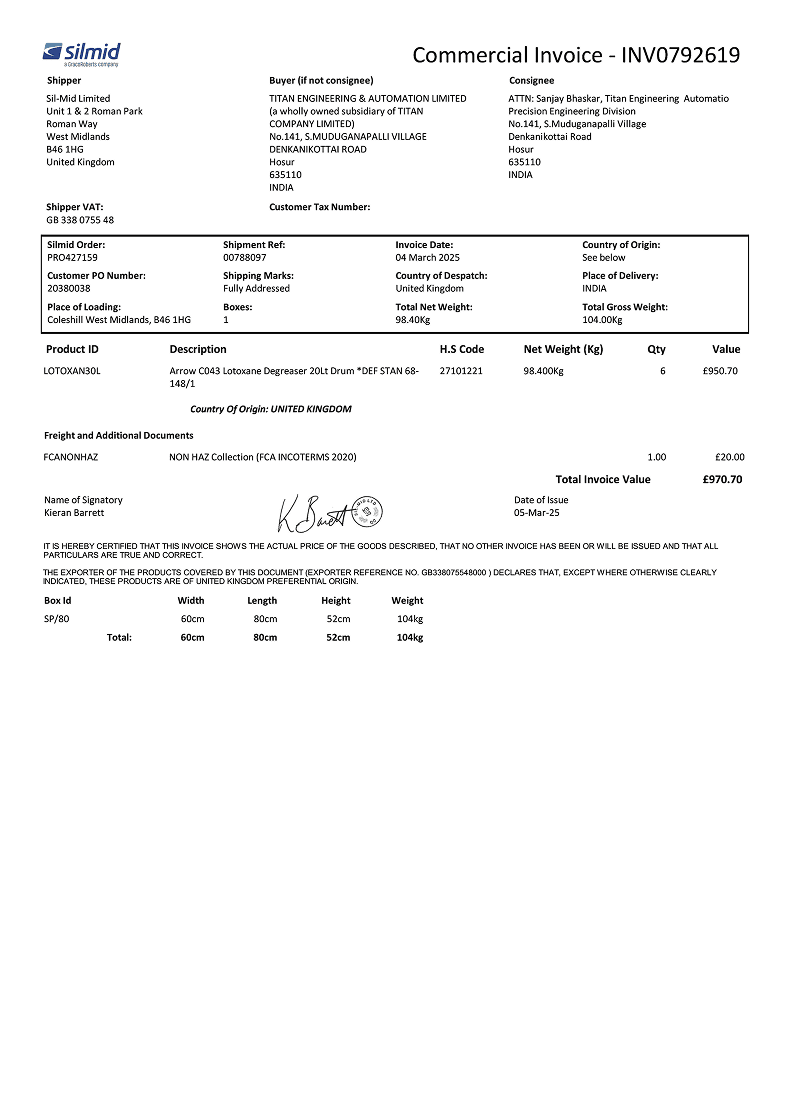
How does Smart Search actually work?
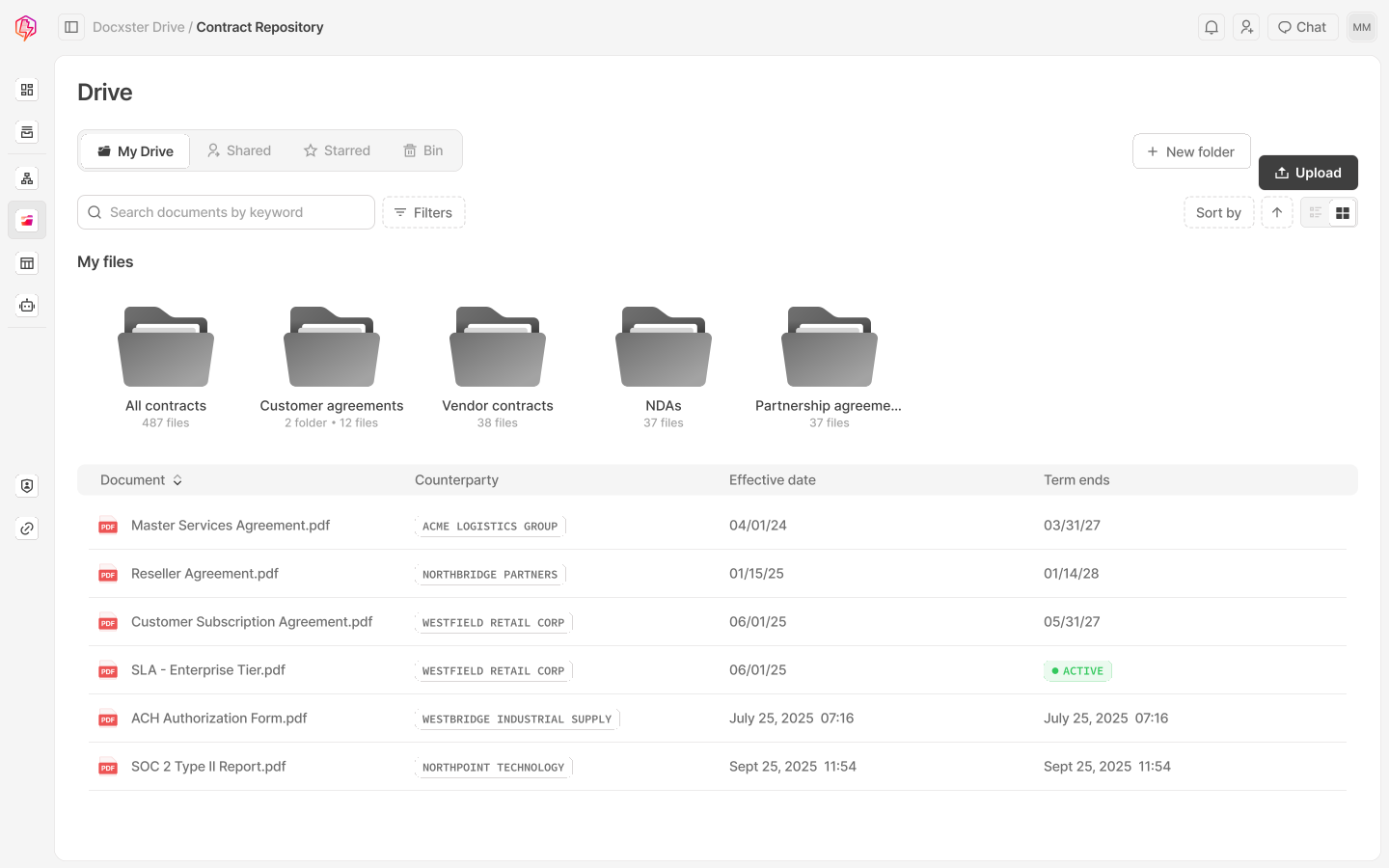
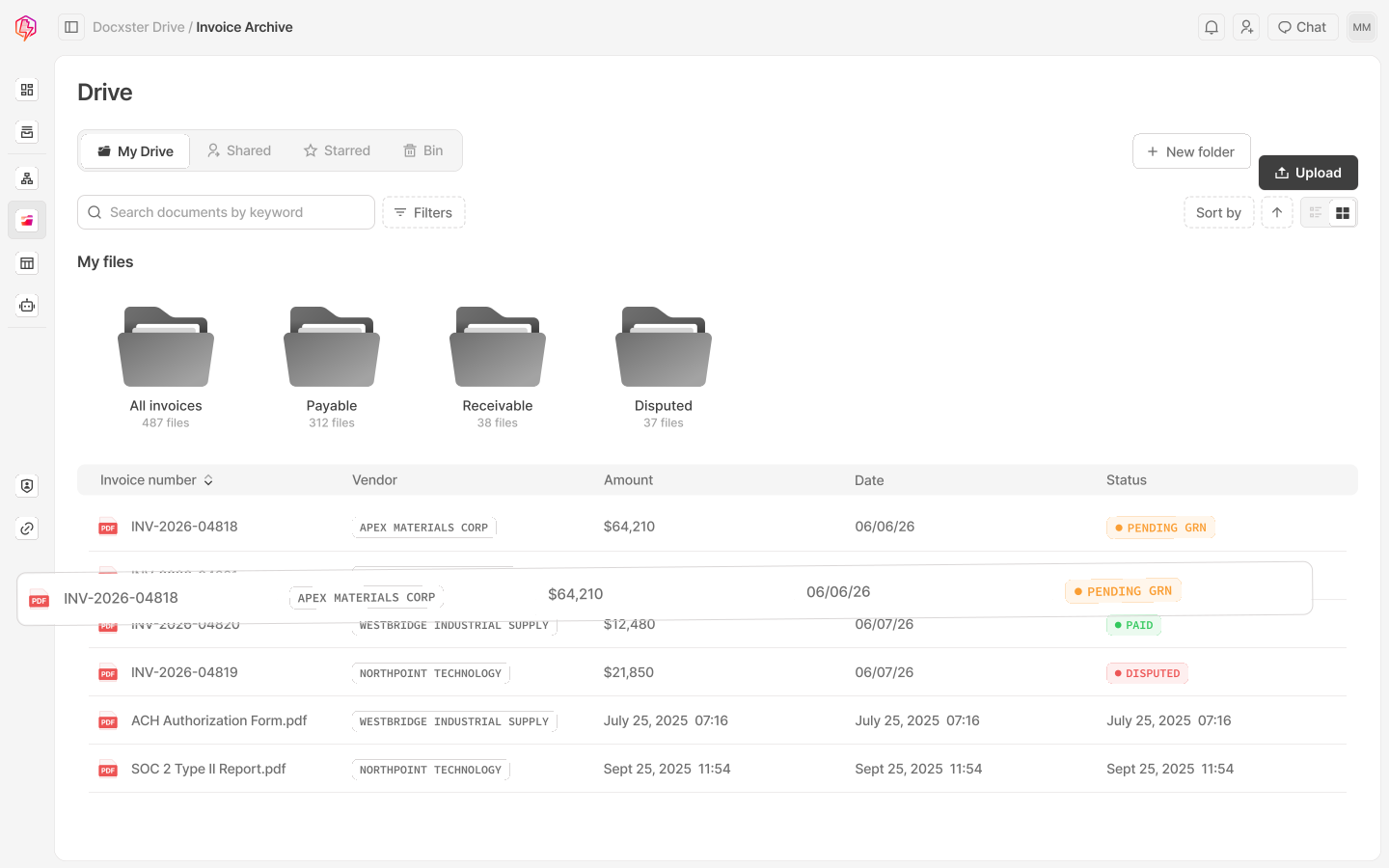
Drive indexes the full contents of every document, so when you search, it matches against the words and data inside the files. Even if a document is saved with a generic name, you can find it by something you remember from inside it.
Can workflows pull existing documents back out of Docxster Drive?
Yes. Any workflow can search Drive, pull a specific document, and process it. Once a file is in Drive, you never need to upload it again.
Where are documents actually stored in Docxster?
Documents are stored on AWS, encrypted at rest with AES-256 and in transit with TLS. Backups run automatically and access is controlled by team and by role.
What kinds of files can Docxster Drive store?
PDFs, Word docs, images, spreadsheets, scanned documents, and photos. Anything you'd email or upload as part of a document workflow.
Can we connect to our existing storage like Google Drive, SharePoint, or Microsoft OneDrive?
Yes. Workflows can read from and write to all of them. Most teams use Docxster Drive for active workflow documents and sync to existing storage for long-term archives.
Who can see what?
Permissions can be set by team, role, or workflow, so finance sees finance documents and ops sees ops.
What happens to a document after it has been processed in Docxster?
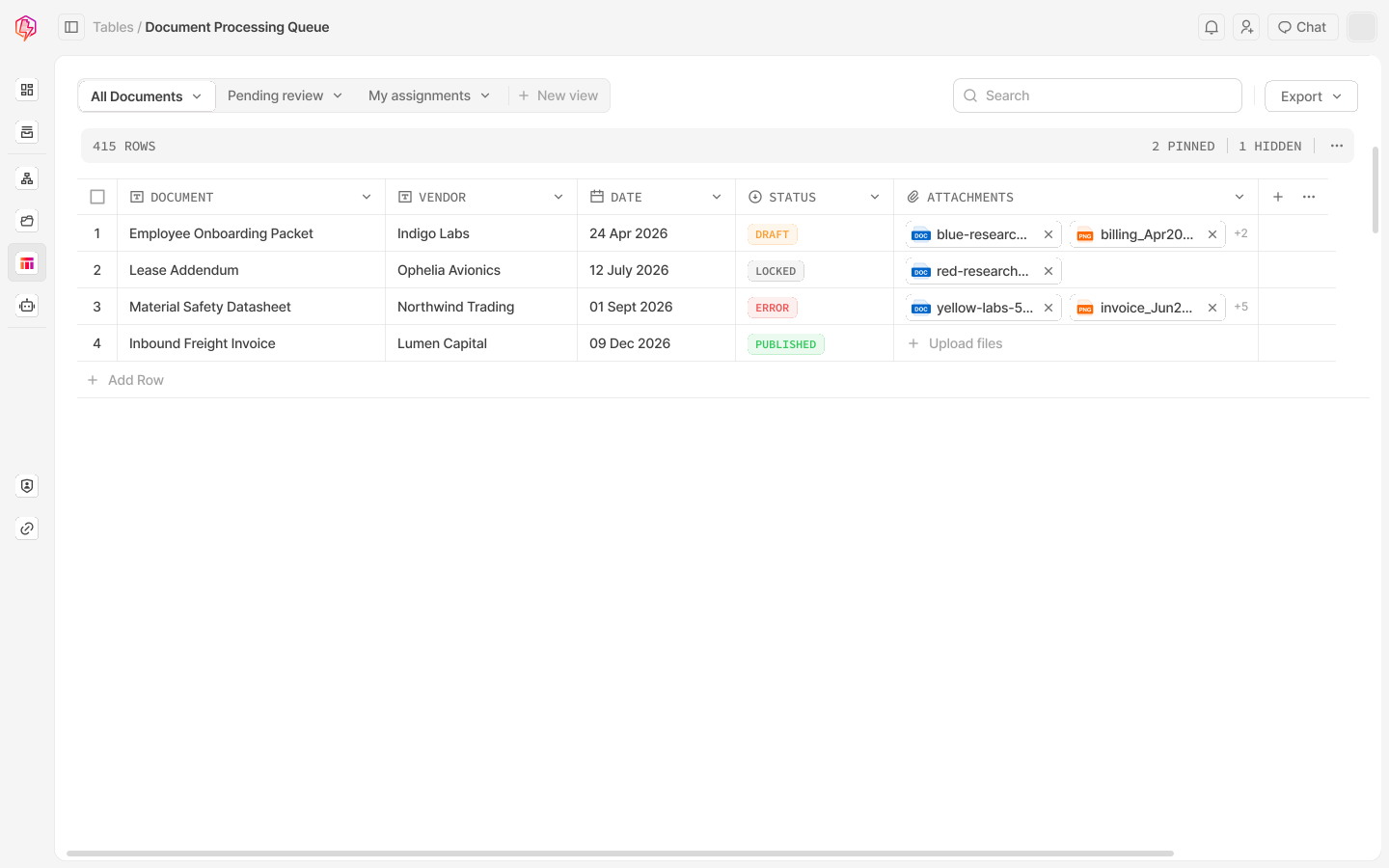
It stays in Docxster Drive, fully indexed and searchable. Any future workflow can pull it back out to reference, reprocess, or send onward.
Is there a limit to how many documents Docxster Drive can store?
Docxster Drive scales with your workflows. Most teams store thousands to millions of documents without hitting any practical limits.
Got 10,000 documents? Find any of them in seconds.
Tell us about the document library your team works through every day, and we'll show you how Smart Search makes finding the right one effortless.


