Intelligent Document Processing

" height="13.2421px" id="W6nzcaEAW" transform="translate(2.011 16.758)" width="13.242019929962158px"/><path d="M 10.322 5.885 C 8.694 5.885 7.379 4.57 7.379 2.943 C 7.379 1.315 8.694 0 10.322 0 C 11.949 0 13.264 1.315 13.264 2.943 L 13.264 5.885 Z M 10.322 7.379 C 11.949 7.379 13.264 8.694 13.264 10.322 C 13.264 11.949 11.949 13.264 10.322 13.264 L 2.943 13.264 C 1.315 13.264 0 11.949 0 10.322 C 0 8.694 1.315 7.379 2.943 7.379 Z" fill="rgb(54, 197, 240)" height="13.264300159759522px" id="MsXDu_gfe" transform="translate(1.989 2)" width="13.26437015975952px"/><path d="M 7.357 10.322 C 7.357 8.694 8.672 7.379 10.299 7.379 C 11.927 7.379 13.242 8.694 13.242 10.322 C 13.242 11.949 11.927 13.264 10.299 13.264 L 7.357 13.264 Z M 5.885 10.322 C 5.885 11.949 4.57 13.264 2.943 13.264 C 1.315 13.264 0 11.949 0 10.322 L 0 2.943 C 0 1.315 1.315 0 2.943 0 C 4.57 0 5.885 1.315 5.885 2.943 Z" fill="rgb(46, 182, 125)" height="13.264320159759523px" id="UczFhewTk" transform="translate(16.747 2)" width="13.241999943542481px"/><path d="M 2.943 7.357 C 4.57 7.357 5.885 8.672 5.885 10.299 C 5.885 11.927 4.57 13.242 2.943 13.242 C 1.315 13.242 0 11.927 0 10.299 L 0 7.357 Z M 2.943 5.885 C 1.315 5.885 0 4.57 0 2.943 C 0 1.315 1.315 0 2.943 0 L 10.322 0 C 11.949 0 13.264 1.315 13.264 2.943 C 13.264 4.57 11.949 5.885 10.322 5.885 Z" fill="rgb(236, 178, 46)" height="13.242099943542481px" id="ECPC_4l0X" transform="translate(16.747 16.758)" width="13.264299999999999px"/></svg>)
" height="7.572600000000001px" id="DTxgyzeyU" transform="translate(2.112 20.455)" width="8.74988px"/><path d="M 13.888 7.573 L 9.514 0 C 9.084 0.255 8.718 0.605 8.464 1.05 L 0.382 15.05 C 0.132 15.486 0 15.979 0 16.482 L 8.75 16.482 Z" fill="rgb(0, 172, 71)" height="16.4817px" id="juWx5x4Io" transform="translate(2.112 3.973)" width="13.88848px"/><path d="M 4.376 7.573 C 4.805 7.318 5.171 6.968 5.426 6.523 L 5.935 5.648 L 8.369 1.432 C 8.623 0.986 8.751 0.493 8.751 0 L 0 0 L 1.862 3.659 Z" fill="rgb(234, 67, 53)" height="7.572600000000001px" id="QlQsjgfhV" transform="translate(21.138 20.455)" width="8.750599999999999px"/><path d="M 4.375 7.954 L 8.75 0.382 C 8.32 0.127 7.827 0 7.318 0 L 1.432 0 C 0.923 0 0.43 0.143 0 0.382 Z" fill="rgb(0, 131, 45)" height="7.954460000000001px" id="JgGkGdbkr" transform="translate(11.624 3.591)" width="8.7499px"/><path d="M 14.652 0 L 4.375 0 L 0 7.573 C 0.43 7.827 0.923 7.954 1.432 7.954 L 17.595 7.954 C 18.104 7.954 18.598 7.811 19.027 7.573 Z" fill="rgb(38, 132, 252)" height="7.9544999999999995px" id="riTv9YSvb" transform="translate(6.486 20.455)" width="19.02712px"/><path d="M 9.466 8.05 L 5.425 1.05 C 5.17 0.605 4.805 0.255 4.375 0 L 0 7.573 L 5.139 16.482 L 13.873 16.482 C 13.873 15.989 13.745 15.495 13.491 15.05 Z" fill="rgb(255, 186, 0)" height="16.4817px" id="out0sFyjM" transform="translate(16 3.973)" width="13.872599999999998px"/></svg>)
" height="16.0377px" id="uQuyu_lXf" transform="translate(1.6 10.369)" width="6.546119999999999px"/><path d="M 0 16.038 L 4.582 16.038 C 5.669 16.038 6.546 15.157 6.546 14.074 L 6.546 0 L 0 4.909" fill="rgb(52, 168, 83)" height="16.0377px" id="zJCCdoyeu" transform="translate(23.854 10.369)" width="6.546099999999999px"/><path d="M 0 1.969 L 0 10.479 L 6.546 5.57 L 6.546 2.951 C 6.546 0.523 3.774 -0.862 1.833 0.595" fill="rgb(251, 188, 4)" height="10.4791496655448px" id="zxQyj9nXg" transform="translate(23.854 4.8)" width="6.546099999999999px"/><path d="M 0 8.51 L 0 0 L 7.855 5.891 L 15.711 0 L 15.711 8.51 L 7.855 14.401" fill="rgb(234, 67, 53)" height="14.401180000000002px" id="SOfZAu0cG" transform="translate(8.148 6.769)" width="15.71067px"/><path d="M 0 2.951 L 0 5.57 L 6.546 10.479 L 6.546 1.969 L 4.713 0.595 C 2.769 -0.862 0 0.523 0 2.951 Z" fill="rgb(197, 34, 31)" height="10.4791496655448px" id="PtVjGMFle" transform="translate(1.6 4.8)" width="6.54612px"/></svg>)


What's the difference between OCR and IDP?
OCR turns the pixels on a page into text, and that's where it stops. IDP uses OCR as a starting point and then goes further, understanding what kind of document it's looking at, finding the right fields wherever they sit on the page, validating the values, and scoring its own confidence in the result.
How does templateless extraction actually work?
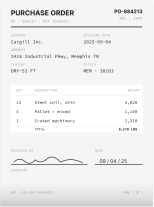
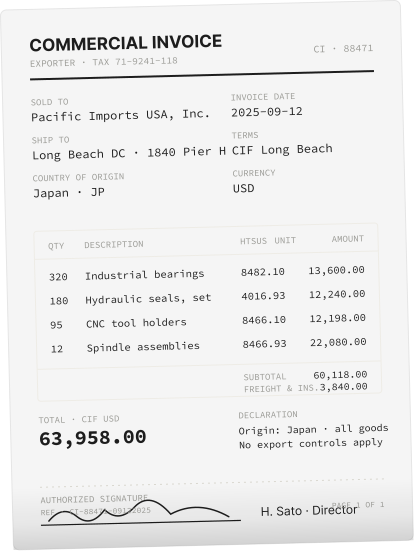
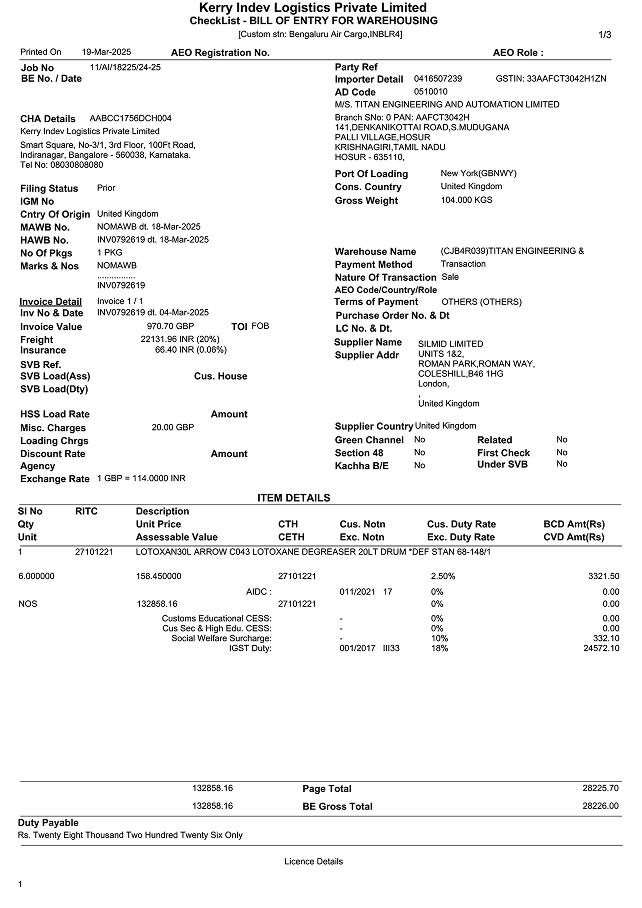
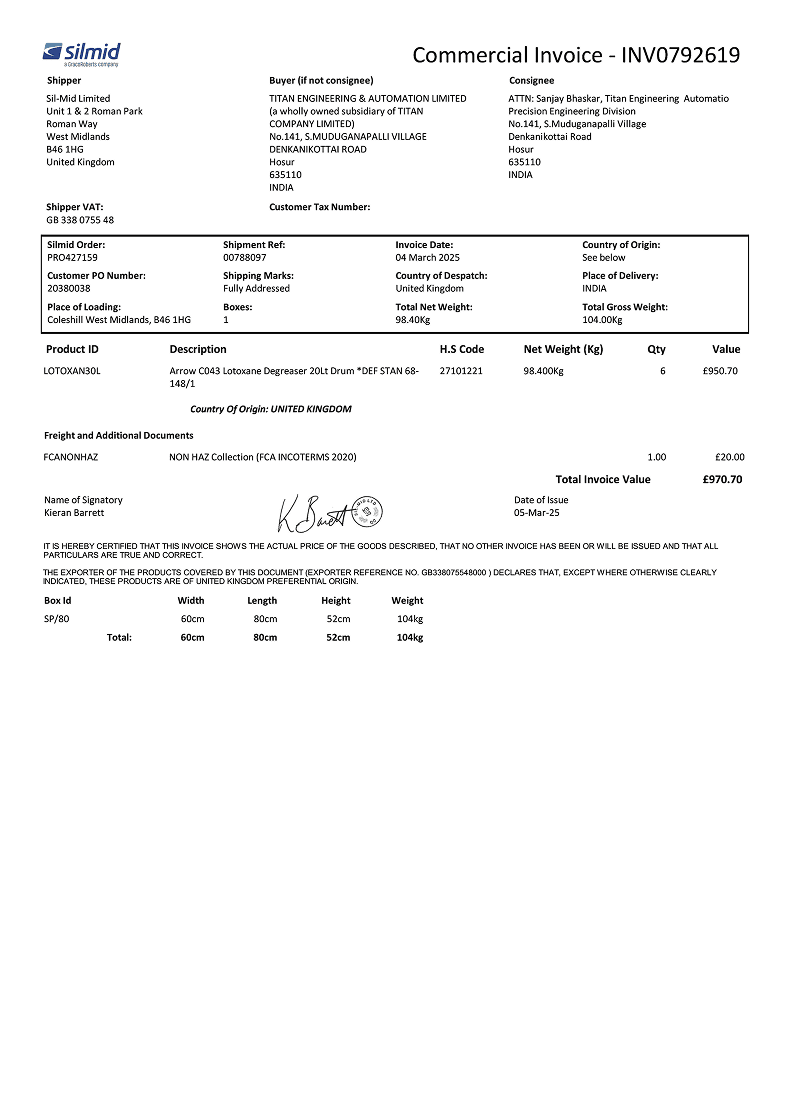
Docxster's AI models are trained on millions of documents across thousands of formats, so when a new document arrives the AI looks for the meaning of the fields rather than their position. It could be a shipment number, a contract date, a vendor code, a purchase order reference. These can sit anywhere on a document, and Docxster still finds them because Docxster understands what each one is.
Can Docxster’s IDP really handle handwriting and bad scans?
Yes. Handwritten forms, scanned PDFs, blurry phone photos, and even crumpled paper all work, because the AI is trained on the messy real-world conditions your documents actually arrive in.
Which languages does Docxster support?
Any language. The same model that reads English documents reads Hindi, Mandarin, Spanish, Arabic, and dozens of others without needing a separate setup or language toggle.
Where do documents actually come from?
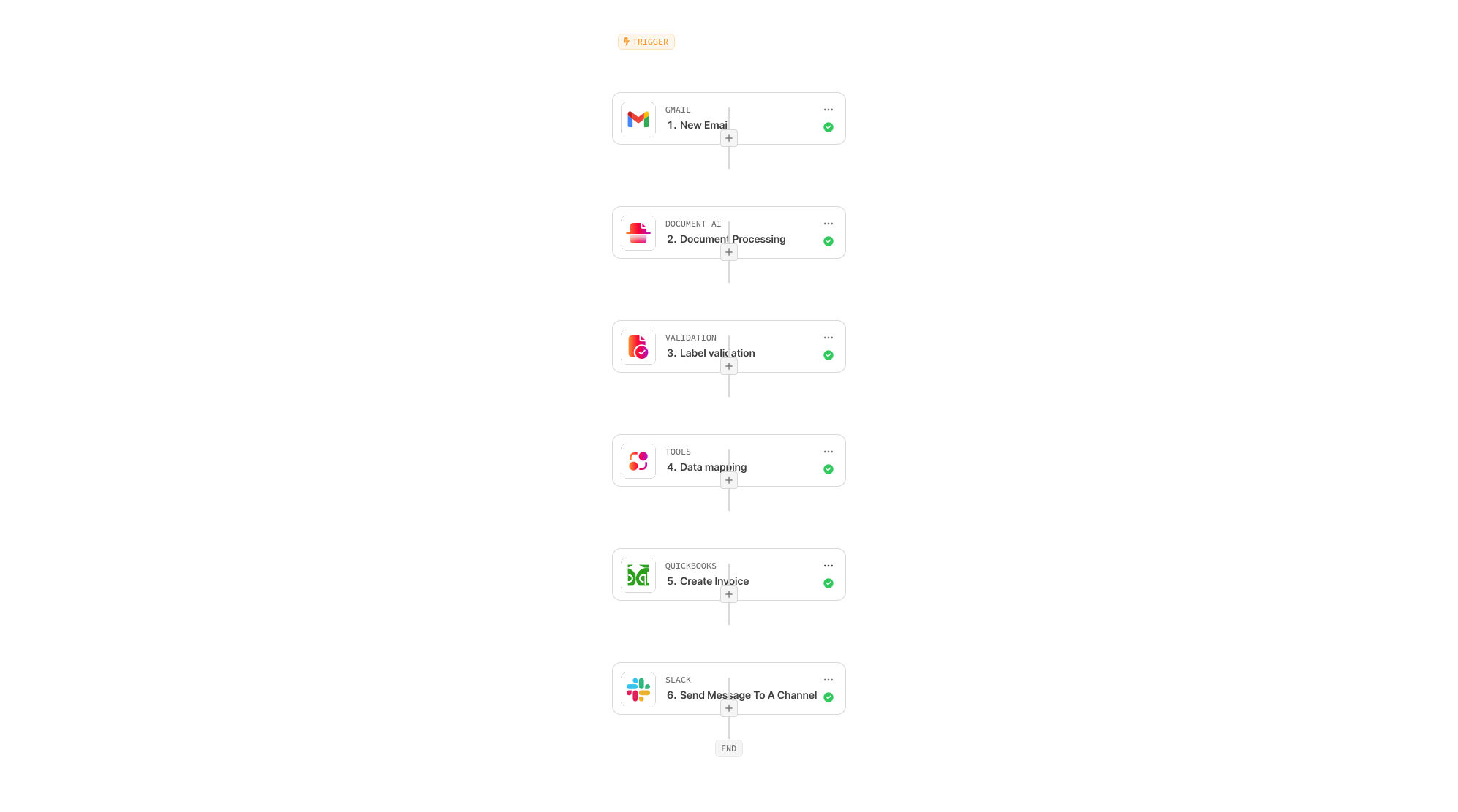
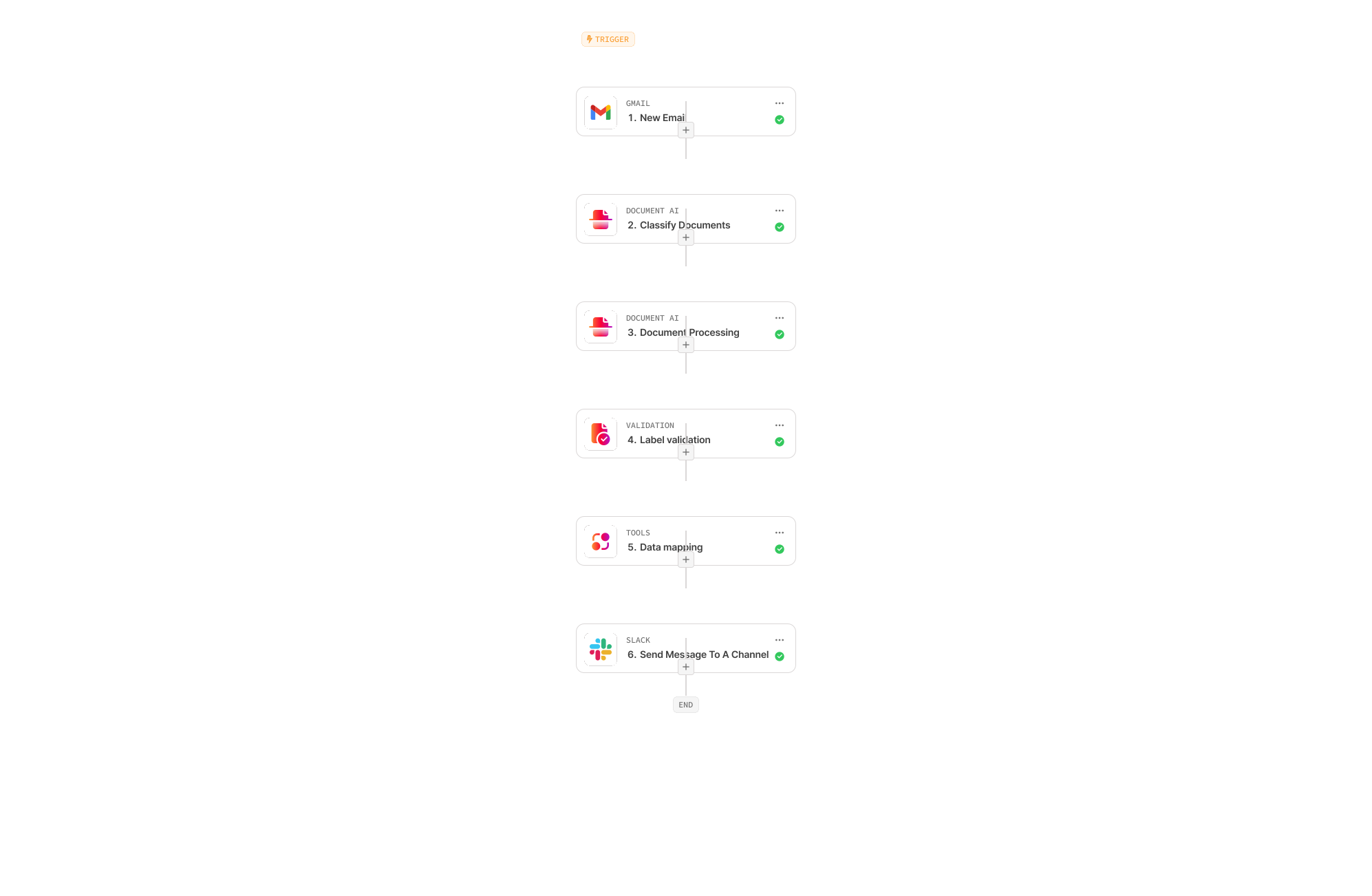
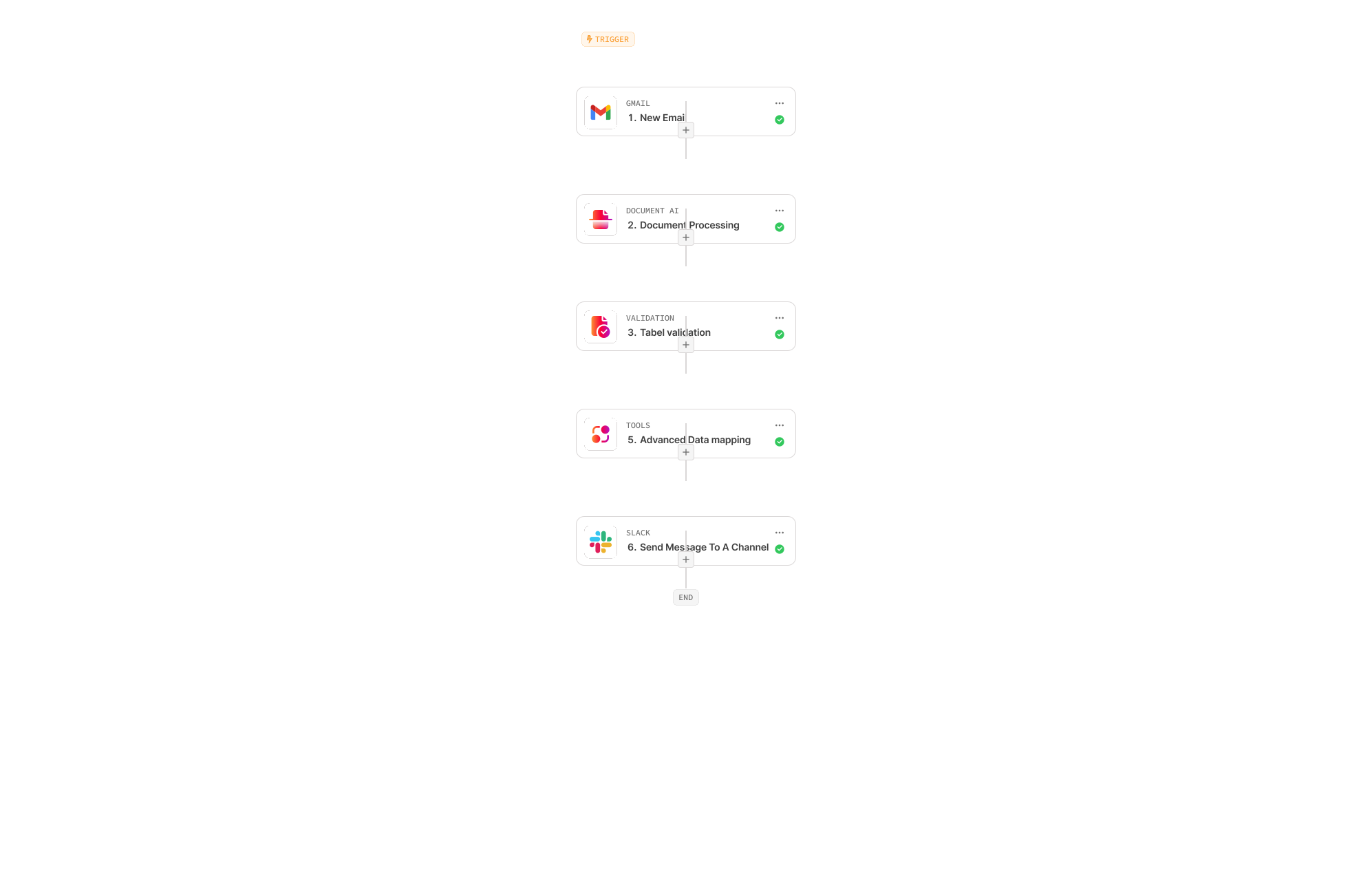
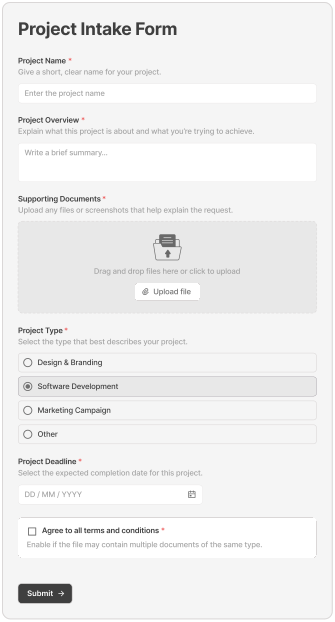
Wherever your team gets them, including email attachments, WhatsApp messages, Slack uploads, web forms, shared drives, and scanned uploads. The workflow starts the moment a document arrives.
Can we train Docxster on our own document types?
Yes. If you work with document types that aren't standard, you can train Docxster on your packing slips, inspection reports, or compliance forms, and once trained they work exactly like the built-in document types.
What if the AI gets a document field wrong?
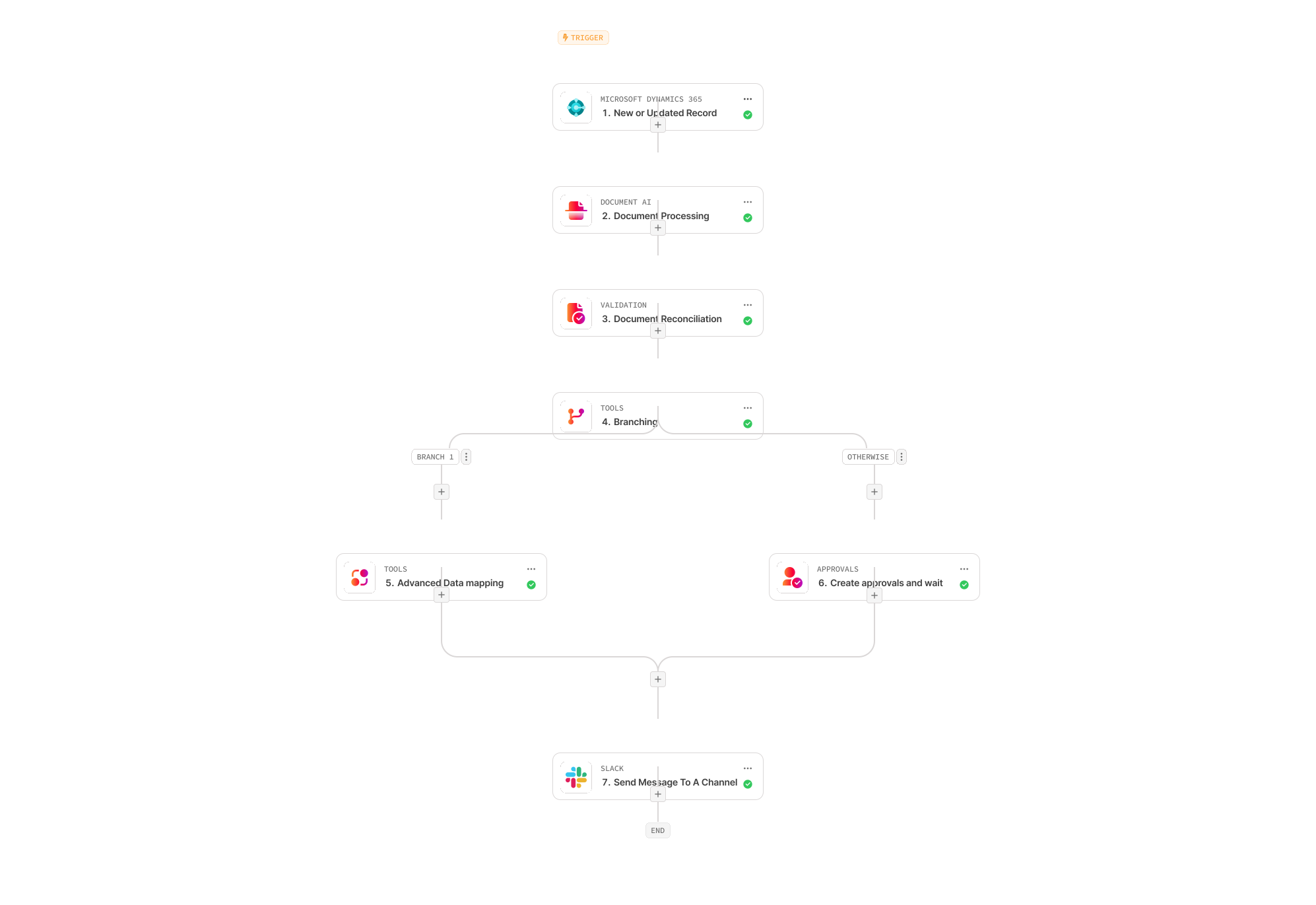
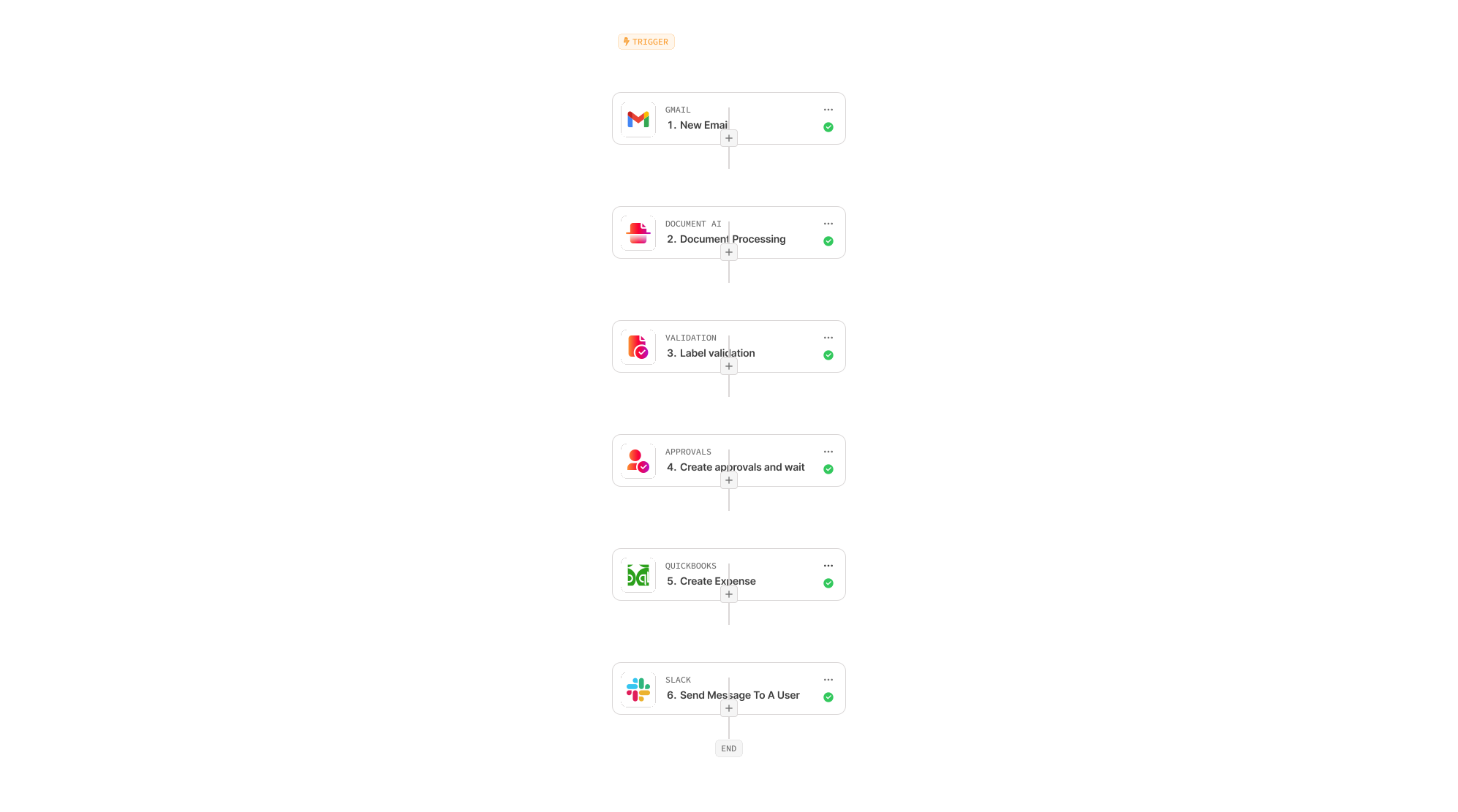
Every extraction comes with a confidence score, and low-confidence fields automatically route to a human reviewer in the Action Center, where the reviewer sees the document and the extracted data side by side, fixes what's wrong, and lets the workflow continue.
How accurate is Docxster's templateless extraction technology for documents?
On well-supported document types, Docxster routinely achieves over 95% field-level accuracy, and confidence scoring with human review catches the rest before anything moves forward.
Bring your messiest document. See Docxster extract data from it in seconds.
Hand us the document type no template tool can handle, and we'll show you the structured data Docxster pulls out.


