Custom Forms and Chats




What's the difference between a Docxster Form and Docxster Chat?
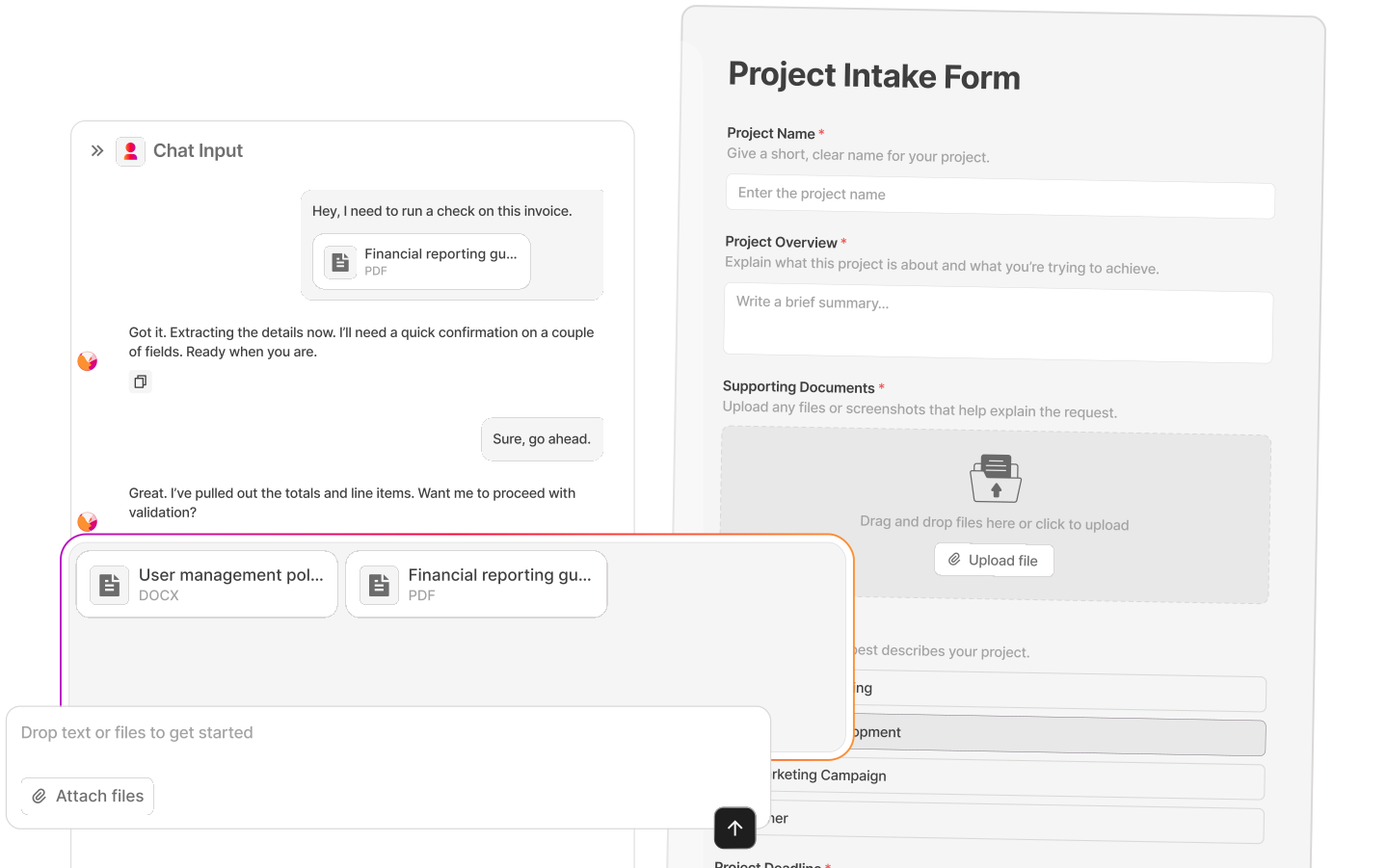
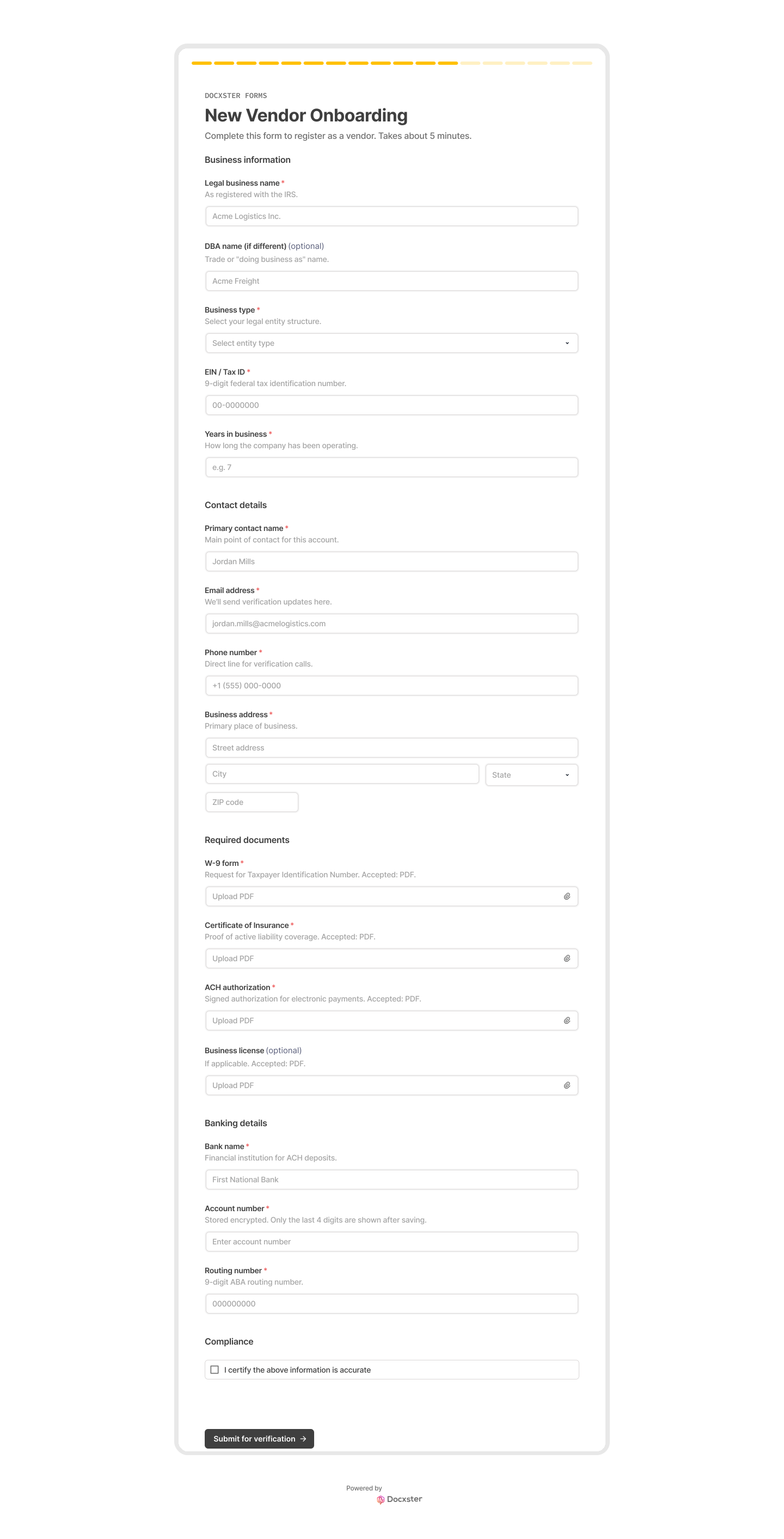
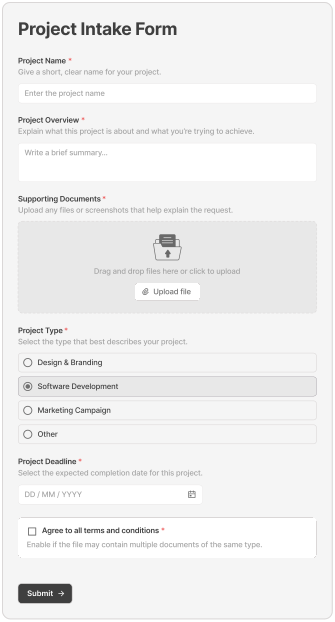
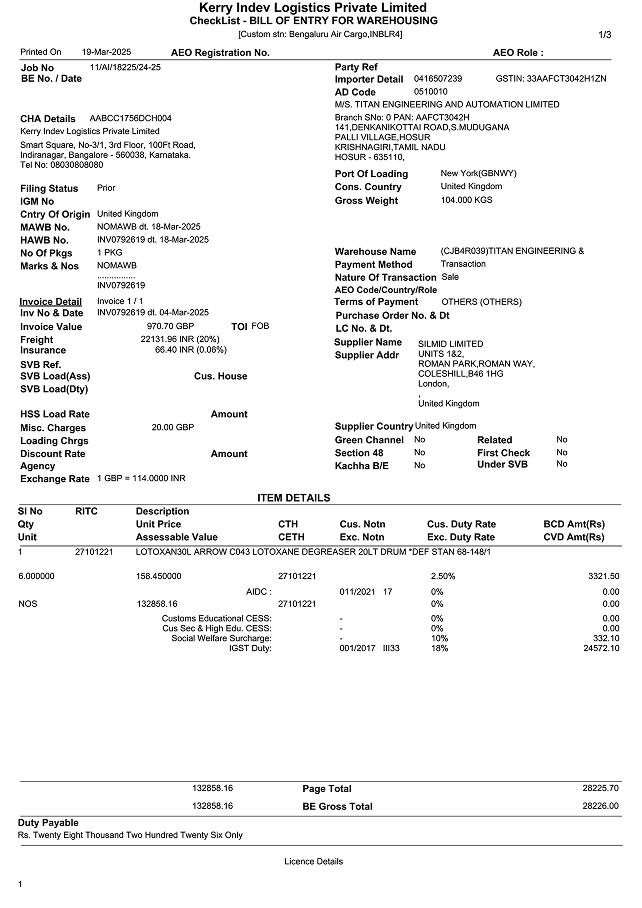
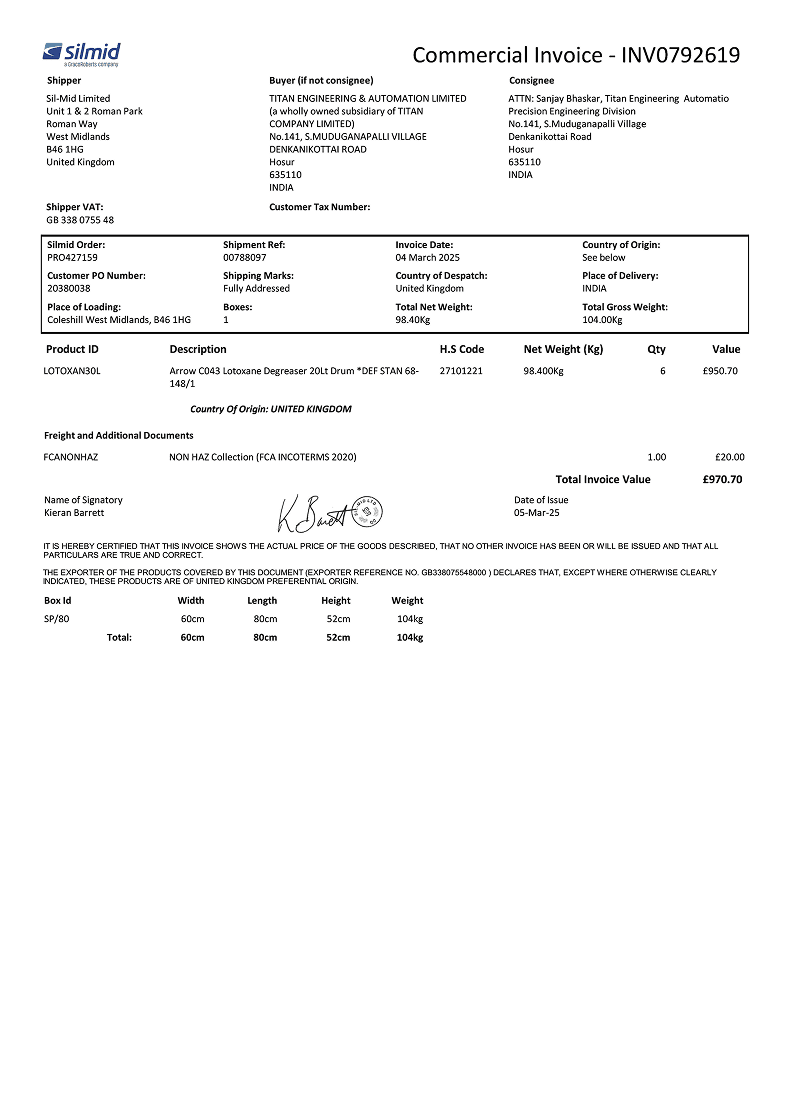
A Docxster Form is structured, with predefined fields someone fills in, so you use it when you know exactly what you're collecting, like vendor onboarding details. Docxster Chat is open, letting someone drop text or documents into a conversation, so you use it when documents vary or arrive together, like a batch of shipping papers.
Where do Docxster Forms and Docxster Chat live?
Every Docxster Form and Docxster Chat gets a public link hosted by Docxster, which you share directly or send by email. The people filling them in don't need a Docxster login.
Can we add our own branding?
Docxster Forms and Docxster Chat are clean and professional by default, and you control the title, description, and field labels. Custom branding options are available depending on your plan.
What file types can people upload?
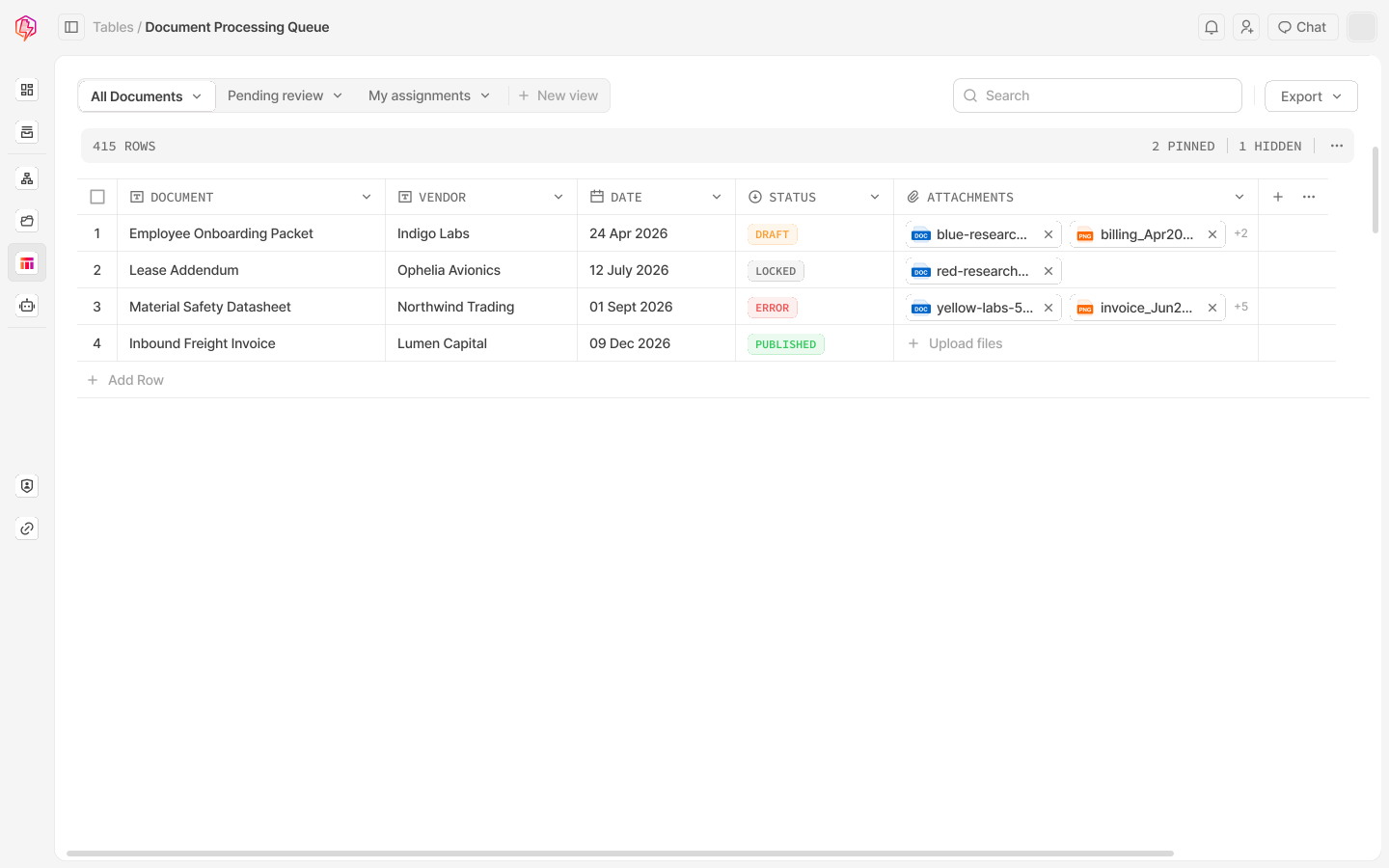
PDFs, Word documents, images, spreadsheets, and scanned files. Multi-page and multi-file uploads work by default.
What happens after someone submits a Docxster Form?
The Docxster workflow attached to that form or chat runs immediately, carrying out the steps you've built, from reading the uploaded documents and validating the data to routing approvals, updating your systems, and sending notifications.
Is there a separate cost for Docxster Forms and Docxster Chat?
No. Docxster Forms and Docxster Chat come with the platform, so you build as many as you need.
Stop collecting documents over email.
Whether it's vendor paperwork buried in your inbox or expense receipts scattered across a shared folder, Docxster Forms and Docxster Chat replace the back-and-forth with one link that captures everything and starts the workflow automatically.


