-
9 Signs Your Invoice Automation Tool Will Need IT
Spot the hidden signs your automated invoice processing tool will need IT support. A diagnostic checklist built for lean operations teams evaluating tools solo.
Last updated:
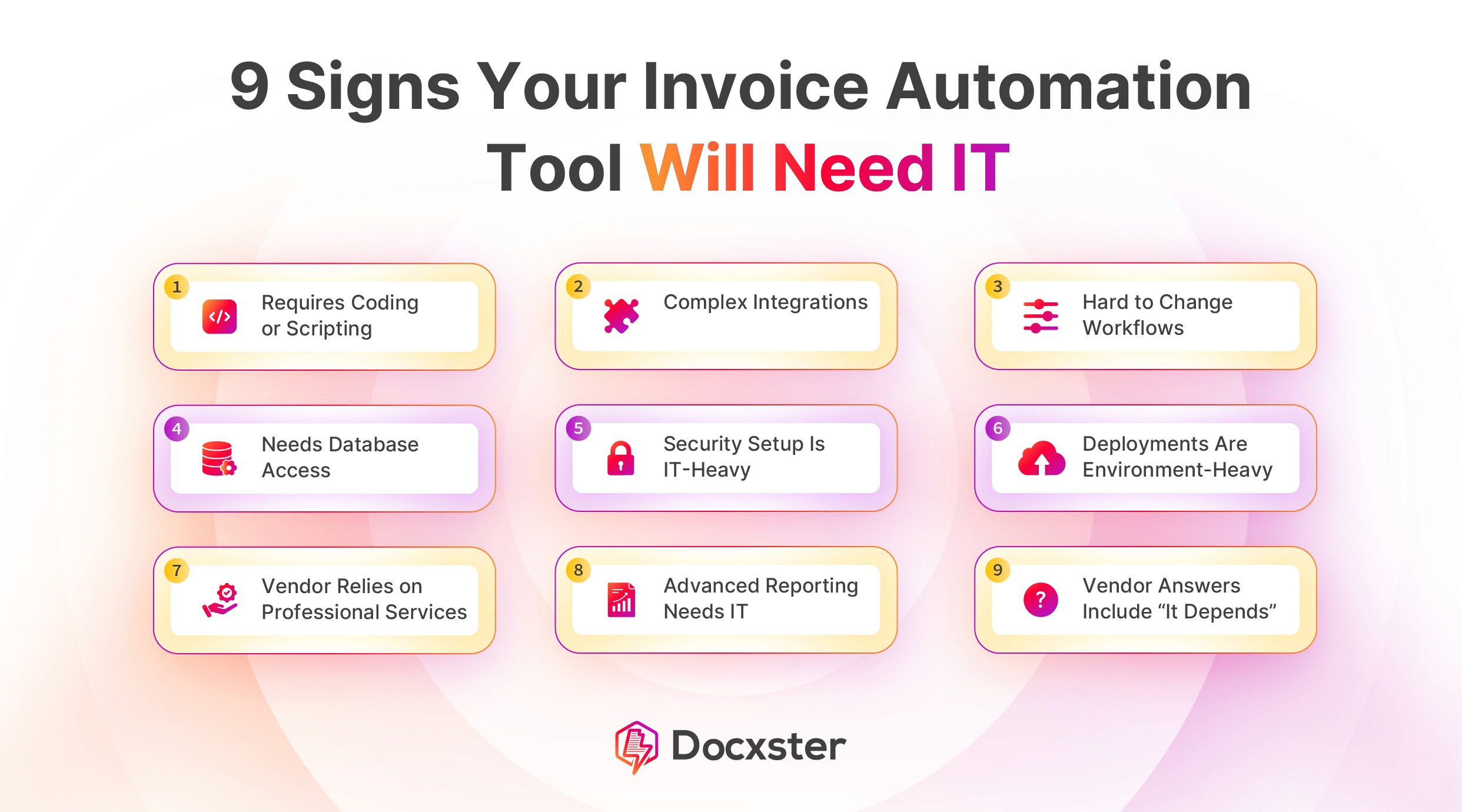


A diagnostic checklist for non-technical teams evaluating automated invoice processing tools before buying
Learn to spot the hidden configuration traps in automated invoice processing tools that quietly require developer support. Built for lean operations teams evaluating invoice data extraction without dedicated IT.
TL;DR
"No-code" claims need stress-testing - Many invoice automation tools handle clean demos well but require IT support for real-world logistics documents with mixed formats, languages, and currencies.
Seven diagnostic signals predict IT dependency - Template requirements, email monitoring setup, field mapping complexity, exception handling design, localization gaps, workflow logic builders, and document bundling — technical debt hides in every one of them.
Test with your messiest invoice, not a clean sample - The gap between demo performance and operational performance shows up in the documents vendors don't want you to test with during evaluation.
Focus on the hard edges, not the easy middle - Most tools automate extraction adequately. The differentiator is whether intake, classification, mapping, and exception resolution also stay within a non-technical operator's control.
Start with 2-3 signals that match your bottleneck - You don't need to evaluate everything at once. Prioritize based on whether your pain is in document variety, system integration, or approval routing.
The Real Reason Your "No-Code" Invoice Tool Still Needs IT
Automated invoice processing sounds simple until it isn't. The vendor demo shows a clean PDF going in and structured data coming out. But in real operations, invoices arrive in dozens of formats. They're bundled with customs documents, split across currencies, and forwarded from shared inboxes nobody checks. The tool that handled the demo smoothly starts throwing errors the moment real documents hit it.
Here's what makes this worse for lean operations teams: 60% of finance teams still manually enter invoices into their ERP or accounting systems. Many of them bought automation tools. The tools just didn't stay automated without someone technical keeping them running.
The signals that a tool will eventually require developer support aren't buried in the fine print. They show up in setup flows, trigger configurations, and folder rules that assume someone technical is watching. These are the ones to catch before you're stuck.
Who This Is For (and What This Isn't)
This is for document managers, finance and accounting leads, and document control specialists who are evaluating invoice data extraction tools without a dedicated IT team on call. If you're the person who will both choose the tool and run it daily, this list exists for you.
This is not a feature comparison chart or a product ranking. It's a diagnostic framework: a set of specific warning signs that a tool marketed as "no-code" quietly shifts technical work onto your plate (or force you to open a support ticket that ends with "please involve your IT team").
How We Selected These Signals
Each item below represents a configuration step or workflow dependency where non-technical operators commonly get stuck. The filter: if a task requires understanding APIs, writing conditional logic, managing schema mappings, or debugging extraction failures without clear guidance, it qualifies. These are the moments where document automation tools reveal their true technical floor.
7 Signals Your Invoice Automation Tool Will Eventually Need IT
1. Setup Requires You to Define Document "Templates" Before Extraction Works
Why it matters: Template-based extraction means someone has to draw boxes around fields for every invoice layout you receive. In logistics, where you might process invoices from 40+ vendors across different countries, this becomes a maintenance project. Each new vendor format means a new template, and when layouts shift even slightly, the extraction breaks.
What it looks like today: The setup wizard asks you to upload a "sample" document and manually tag fields like invoice number, line items, and totals. It feels manageable with three vendors. It becomes unmanageable at thirty. Template-based extraction systems create a hidden backlog of configuration work that scales with your vendor count.
How to apply it: During evaluation, upload five invoices from five different vendors without any pre-configuration. If the tool can't extract core fields from at least three of them without manual template setup, it's signaling a dependency on ongoing technical maintenance.
2. Email or Folder Monitoring Requires Custom Rules You Can't Modify
Why it matters: Most invoice intake starts with an email inbox or a shared folder. The tool needs to watch that source and pull documents on its own. But many tools require you to set up filtering rules — subject line patterns, sender whitelists, file type conditions — through screens built for developers or IT admins.
What it looks like today: You're told to set up a "Zap," a Power Automate flow, or an API webhook to connect your email to the extraction engine. The documentation references JSON payloads or OAuth tokens. You open a support ticket. The response: "Please have your IT team configure the connection."
How to apply it: Ask the vendor: "Can I connect my Gmail or Outlook inbox to this tool without writing any code or using a third-party automation platform?" If the answer involves a middleware tool, that's a dependency. True no-code document automation handles the intake trigger natively.
3. Extracted Data Needs Manual Field Mapping to Match Your Accounting System
Why it matters: Extracting data is only half the job. That data has to land in your ERP or accounting system in the right fields, with the right format. When a tool extracts "Total Amount" but your system expects "InvoiceTotal" in a specific decimal format, someone has to build and maintain that mapping. In freight forwarding, invoices carry freight charges, duties, surcharges, and multi-currency totals. The mapping work multiplies fast.
What it looks like today: The tool shows an "integration" page with source fields on the left and blank dropdowns on the right. It looks simple — until you hit nested line items, tax breakdowns by jurisdiction, or currency fields with no direct match in your system.
How to apply it: Before committing, run a test extraction and attempt to export the results to your actual system. If you need to restructure the output manually or write transformation rules, that's a technical dependency that will recur with every format variation.
4. Exception Handling Defaults to "Flag and Wait" With No Clear Resolution Path
Why it matters: No extraction tool handles every document perfectly. The question is what happens when it doesn't. Best-in-class organizations achieve 49.2% touchless invoice processing, which means even top performers still intervene on roughly half their invoices. If the tool's exception workflow only queues flagged documents with no guidance on what went wrong or how to fix it, you'll eventually need a developer to diagnose patterns in failures.
What it looks like today: You see a dashboard with a list of "failed" or "needs review" documents. Clicking into one shows the raw extraction output with highlighted confidence scores but no suggested corrections. You can't resolve the issue without understanding why the model failed — a technical question dressed up as a review task.
How to apply it: Ask to see the exception handling interface during the demo. Look for: clear error descriptions, inline correction tools, and the ability to resolve issues without leaving the platform. If the resolution path leads to a developer console, that's your signal.
5. Multi-Currency and Multi-Language Invoices Require Separate Configuration
Why it matters: Accounting operations routinely process invoices in multiple languages and currencies. A tool that handles English-language, USD invoices out of the box but requires separate configuration for Mandarin characters, EUR formatting, or Arabic layout directions is offloading localization complexity onto the operator. This is where "works globally" in marketing copy diverges from reality.
What it looks like today: The tool extracts fields correctly from a standard U.S. invoice but misreads date formats (DD/MM vs. MM/DD), drops currency symbols, or fails entirely on non-Latin scripts. The fix involves adjusting locale settings, adding language packs, or contacting support for a "custom model" that requires training data you don't have.
How to apply it: Test with your most complex real-world invoice. Not a clean sample, but the one from the vendor in Shenzhen or Rotterdam that always causes manual rework. If the tool can't handle it without configuration changes, factor that ongoing maintenance into your evaluation. Platforms using templateless extraction, like Docxster, read document structure and context without pre-built templates, which reduces the configuration burden for mixed-format, multilingual invoice streams common in logistics.
6. Approval Workflows Require Conditional Logic You Can't Build Yourself
Why it matters: Routing an invoice for approval based on amount, vendor type, or cost center sounds basic. But many tools build this with rule editors that use conditional logic — if/then chains, nested conditions, variable references. Non-technical users can't safely change these without risking a broken workflow.
What it looks like today: The workflow builder looks visual (drag-and-drop nodes, connecting arrows) but each node opens a configuration panel with fields like "condition expression," "variable binding," or "regex pattern." Changing an approval threshold from $5,000 to $10,000 should take seconds. Instead, it requires understanding how the condition interacts with downstream nodes.
How to apply it: During your trial, build a simple two-step approval workflow: invoices under $5,000 go to one approver, invoices over $5,000 go to another. Time how long it takes. If it takes more than 10 minutes or you need to consult documentation, the tool's complexity floor is higher than advertised. Business users should be able to own these workflows without waiting for developer resources.
7. The Tool Can't Separate Invoices From Bundled Documents Without Pre-Sorting
Why it matters: In accounting operations, invoices rarely arrive alone. They come bundled with bills of lading, packing lists, customs declarations, and delivery receipts in a single PDF or email attachment. If the tool requires you to manually separate invoices from other document types before processing, you haven't automated the intake process. You've just moved the manual work to an earlier step.
What it looks like today: The tool processes whatever you feed it as a single document. A 12-page PDF containing an invoice on pages 3-4 and a packing list on pages 5-8 gets treated as one extraction job, producing garbled output. The workaround: manually split the PDF first, or write a script to classify and separate pages. Both require technical effort.
How to apply it: Upload a multi-document PDF bundle during evaluation. If the tool can't identify and isolate the invoice pages automatically, that's a pre-processing dependency that will consume hours weekly. For teams handling high volumes of mixed documents, automating the data entry pipeline end-to-end requires the tool to handle classification, not just extraction.
What These Signals Have in Common
Every signal above points to the same underlying pattern: the tool automates the easy middle — extracting text from a clean document — but leaves the hard edges (intake, classification, mapping, exceptions, localization) to you. Those hard edges are where IT involvement creeps in. Not on day one, but on day thirty, when you've processed enough real-world documents to surface the edge cases the demo never showed.
There's a tradeoff. Tools with deep customization often assume a technical operator. Tools that stay simple sometimes can't handle complex logistics documents. The goal isn't to avoid all complexity. It's to make sure the complexity is operational — understanding your workflows — not technical — understanding the tool's architecture.
The 63% of AP teams spending more than 10 hours per week on invoice processing aren't all doing it by choice. Many bought tools that shifted the work rather than eliminating it.
Where to Start
You don't need to evaluate all seven signals simultaneously. Start with the three that match your current pain points. If you're drowning in mixed-format documents from global vendors, prioritize signals 1, 5, and 7. If your bottleneck is getting data into your ERP without IT, focus on signals 2, 3, and 6.
Run your evaluation with real documents, not clean samples. The difference between a tool that works in a demo and a tool that works in your operation is the messiest invoice in your inbox. Use that one as your test case. If the tool handles it without requiring you to call a developer, you've found something worth keeping.
Frequently Asked Questions
What is invoice intake and extraction document automation?
Invoice intake and extraction automation covers the full flow: receiving an invoice (via email, folder, or upload) and pulling structured data (vendor name, amounts, line items, dates) from it — no manual entry. A complete solution handles both intake and extraction, not just one. Across Finance teams, 37.6% say document intake issues hit “often” or “almost always.” The baseline rate is 33.3%. A higher share, 12.8%, puts it at “almost always,” compared with 11.0% in the broader sample.
Why should businesses automate their invoice data extraction process?
Manual invoice processing is slow and expensive. Best-in-class AP teams process invoices in 3.1 days at $2.78 per invoice, while average teams take 17.4 days at $12.88 per invoice. Automation closes that gap by reducing keystrokes, eliminating re-entry errors, and freeing staff to focus on exceptions rather than routine data entry. According to Goldman Sachs research cited by AvidXchange, AP automation cuts staff processing time by 70–80%.
How does AI-powered OCR work for invoice data extraction?
OCR (optical character recognition) converts images or scanned PDFs into machine-readable text. Modern systems add AI on top of OCR to understand document structure, spot field types (like totals, dates, and vendor names), and extract values even when layouts vary. Current OCR achieves up to 99.8% accuracy, though real-world results depend on document quality and format variety.
Which types of businesses benefit most from invoice automation?
Businesses processing invoices from many different vendors in varying formats see the largest gains. Freight forwarding companies, logistics operators, and manufacturing firms with global supply chains are strong candidates because their invoice streams include multi-currency, multi-language, and bundled documents that make manual processing especially error-prone and time-consuming.
How can I ensure accuracy in automated invoice extraction?
Start by testing with your actual documents, not vendor-provided samples. Look for tools that provide confidence scores on extracted fields and offer inline correction interfaces for exceptions. Avoid tools that require you to build and maintain templates for each vendor format, as template drift is one of the most common sources of extraction errors over time.
When is the best time to implement an automated invoice extraction system?
The practical trigger: manual processing consumes enough staff hours to justify the switch — typically when you process invoices from more than 10 vendors or spend more than five hours per week on data entry and verification. Don't wait for a "perfect" moment. Start with one document type or one vendor group, validate the results, and expand from there.
Turn documents into decisions.
See how Docxster gets you from inbox to insight in minutes, not days. Bring your toughest workflow — we'll show you what it looks like solved.


